

To generate leads on LinkedIn, you run two engines at once: an inbound one where useful content pulls the right people toward you, and an outbound one where you reach out to a short list of good-fit prospects with a message that earns a reply. The people who react to your posts, view your profile, or change jobs are your warmest leads, so the whole system is really about turning attention into conversations, and conversations into booked calls.
LinkedGrow is a lead generation and content platform for founders, freelancers, consultants, and small sales teams who want clients from LinkedIn without living inside the app all day. Since LinkedGrow v2, its AI agents run this whole playbook for you, every working day. With more than 1 billion members, LinkedIn is where most B2B buyers already spend their working attention, so the question is rarely whether the audience is there. It is how to generate leads on LinkedIn in a way you can repeat next week, and the week after, without burning your evenings or risking your account.
This walks through the whole thing in plain steps: what lead generation on LinkedIn actually means, how to turn your profile into something that converts a visitor, how to pull leads in with content, how to find and reach the right people directly, and how to read buying signals so your outreach lands warm instead of cold. You will also get an honest answer on which automation is safe and which gets accounts restricted, since that part tends to get glossed over by the guides selling the tools.
One idea runs through all of it: leads on LinkedIn come from relevance rather than volume, so 100 generic connection requests do less than 5 messages that reference something the person actually posted. That difference is what separates the accounts quietly booking meetings from the ones getting ignored. Keep pulling on that thread and a profile that used to sit idle starts producing real pipeline.
What does generating leads on LinkedIn actually mean?
Generating leads on LinkedIn means finding people who could become customers and starting a real conversation with them, either by attracting them with content or by reaching out directly. A lead is not a like or a follower. It is a named person with a fit for what you sell and a reason to talk to you, which is why the goal is always a reply or a booked call, never a vanity number.

The inbound engine is your content: posts, comments, and a profile that make the right person think you could help them. The outbound engine is your reach-out: search, connection requests, and messages aimed at a specific list. Most people run only one and wonder why it stalls. Content without outreach leaves warm readers sitting in your notifications, and outreach without content means every message lands cold, from a stranger the prospect has no reason to trust. If the outbound side is where you want to start, our LinkedIn outreach strategy lays out the whole system, from building the list to following up, and how to get clients on LinkedIn carries a lead all the way to paid work.
Run them together and they feed each other. Your posts warm up the people you later message, so the outreach reads as a follow-up rather than a cold pitch, and the replies you get from outreach tell you exactly what to post about next. A simple weekly shape works for almost everyone: post a few times, spend 20 minutes replying to everyone who engaged, and send a small batch of personal messages to people who fit. That rhythm is the core of any real LinkedIn lead generation effort, and everything below is a way to do one of those three things better.
How do you turn your profile into a lead magnet?
Your profile is the landing page every lead checks before they reply, so it has to make your value obvious in the first few seconds. Treat the headline, the About section, and the featured area as sales copy for one specific buyer: say who you help, what result you deliver, and what to do next, instead of just listing your job title.
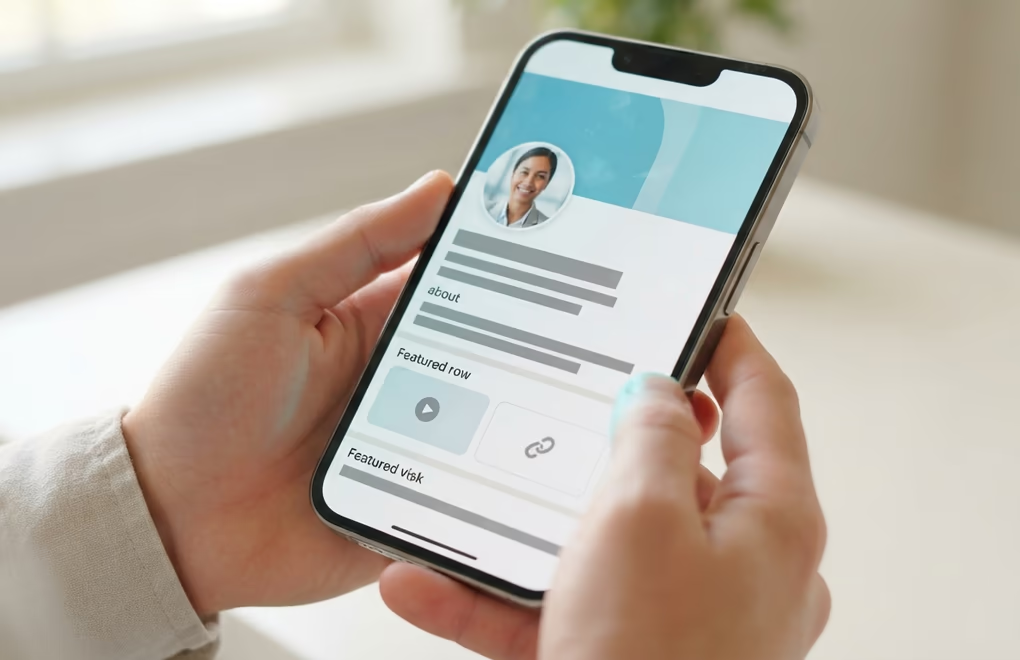
Start with the headline, because it follows you into search results, comments, and the feed long before anyone opens your page. Swap the bare job title for who you help and the outcome you create, so a reader knows in one line whether you are for them. The banner behind it is free advertising space most people waste, and the first two lines of your About section are what show before the fold, so put your promise and a way to reach you right there. Our guides to LinkedIn profile optimization and headline examples by role give you the exact wording to test.
Then give a visitor somewhere to go. The featured section sits near the top of your profile and can hold a link, so point it at a booking page, a short guide, or a case study that turns interest into a next step. Sprinkle the words your buyers actually search into your headline and About too, since LinkedIn treats them as keywords and surfaces you when someone looks for what you do. A profile built this way quietly converts the traffic your content and outreach send its way, which is the whole point of doing the other work.
How do you generate leads with content?
You generate leads with content by posting things your ideal client finds useful, then making it easy for interested readers to raise their hand. The pattern that works is a post that teaches one concrete thing, ends with a soft invitation, and treats every commenter as a name you can follow up with the next day.

The posts that pull leads are the ones that solve a real problem your buyer has this week. Walk through how you fixed a specific issue, share a before and after from client work, or take a clear position on a debate in your field. What you avoid is the hard sell, because a post that reads like an ad kills the reach and the trust at the same time. Give the value away in the post, and let the soft call to action do the asking: a question that invites replies, a comment keyword in exchange for a resource, or a light mention of what you do at the end. If openers are where you stall, our roundup of scroll-stopping hooks and the field guide to what to post on LinkedIn take the guesswork out of the first line and the idea behind it.
Consistency beats the occasional viral spike, because leads come from the compounding trust of showing up, not from one lucky post. The hard part is keeping the pace without it eating your week, and that is where LinkedGrow fits: it drafts posts in your own voice from a handful of past examples, then schedules them so the engine keeps running while you focus on the replies. If you would rather sharpen the craft by hand first, our guide to how to write a LinkedIn post walks through the structure of a post that earns a reply. For the frameworks behind posts that actually convert readers into pipeline, our breakdown of LinkedIn posts that generate leads maps each format to the kind of lead it tends to bring in.
How do you find and reach the right prospects?
You find the right prospects by defining your ideal customer in plain terms, role, industry, company size, and a trigger, then using LinkedIn search to build a short list that matches. Reaching them works best when the first touch is not a pitch: engage with a recent post, send a connection request with a one-line reason, and start a conversation before you ever mention what you sell. If you're not sure who in a company can actually sign off, our guide to finding decision makers on LinkedIn maps the right title to each company size.
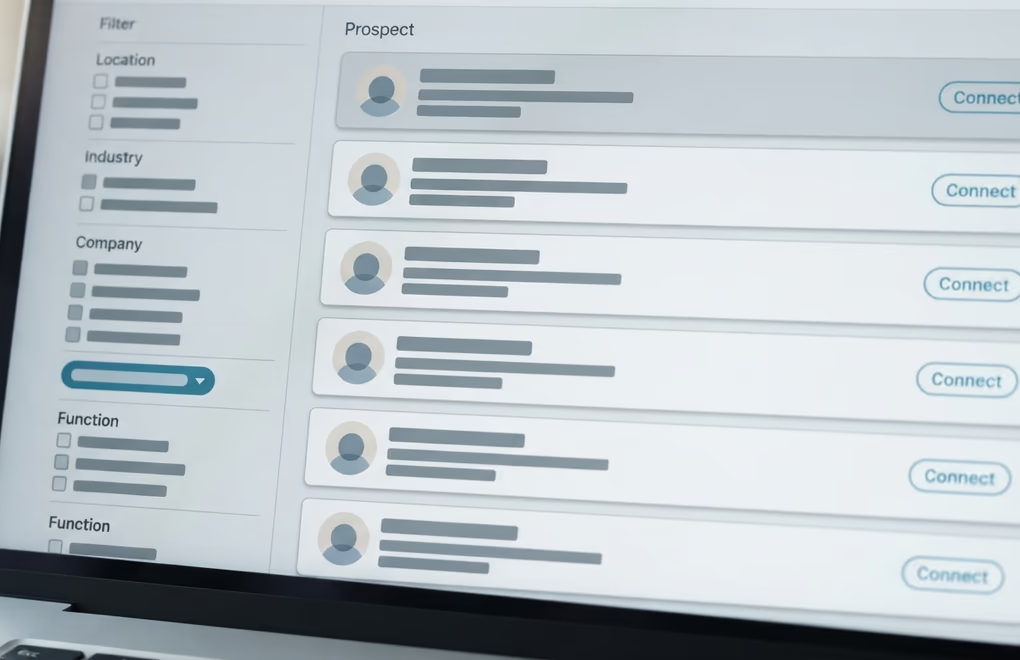
Free LinkedIn search gets a solo founder or freelancer surprisingly far. Filter by job title, location, and industry, then read a few recent posts from each person so your outreach has something real to hang on. When your outbound grows past what you can handle by hand, LinkedIn Sales Navigator adds the deeper filters, saved lead lists, and alerts that make volume manageable, which is when the subscription starts paying for itself. Our walkthrough on how to use LinkedIn Sales Navigator covers the setup, filters, and outreach step by step. Keep the outreach to a handful of personal messages a day rather than a blast of 50, because a small number of relevant notes gets more replies and keeps your account well clear of any weekly limit.
The mistake almost everyone makes is pitching in the connection request. LinkedIn limits how many invites you can send each week, and a pushy note tanks your acceptance rate, so treat the request as an introduction, not a sale. React to a post first, add a short note that says why you are connecting, and once they accept, ask a genuine question tied to their work. That warm-up sequence is the heart of social selling, and our social selling guide shows how to run it without sounding like a script. If you sell to a specific crowd, the playbooks for freelancers and agencies tune the same steps to how those buyers decide.
How do you turn buying signals into warm leads?
A buying signal is any action that shows someone might be ready to talk: they react to or comment on your post, view your profile, follow your company, change jobs, or reach a milestone. On LinkedIn these signals are visible for free, so the highest-return move is to check who engaged with your last few posts, filter for good fit, and send a message that references what they actually did.
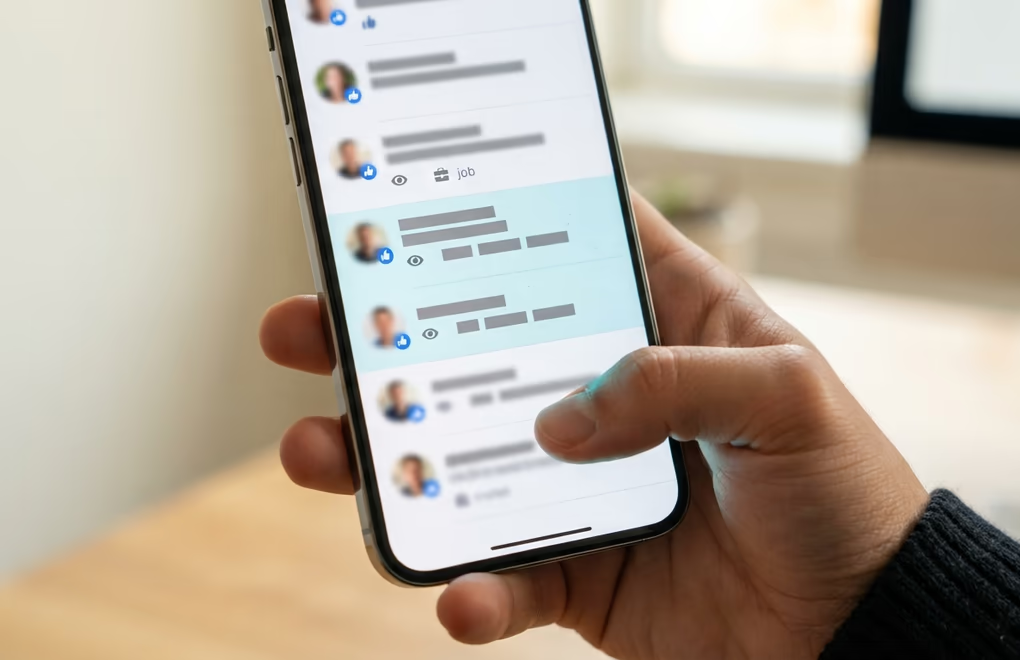
Here is the workflow that beats cold outreach every time. After a post does well, open the list of reactions and comments, and scan for people who match your ideal customer. Those readers already spent attention on your idea, so a message that opens with their comment lands as a continuation, not an interruption. Profile viewers work the same way, and a job change is one of the strongest triggers there is, because a new role often means a new budget and a fresh set of problems to solve. None of this needs a paid database. It just needs you to treat the signals LinkedIn already shows you as a to-do list.
The catch is that signals go stale fast, and doing this by hand every day is the first thing that slips when you get busy. That is the exact job LinkedGrow v2 takes over: it watches who engages with your content, links every lead back to the post it came from, and drafts tomorrow's message from what that person actually posted, so you edit and send instead of starting from a blank box. You can wire the same idea together yourself from the native signals, or lean on the LinkedIn lead generation tools that keep the list moving. Either way, warm outreach from a real signal is the single biggest upgrade you can make to how you generate leads on LinkedIn.
Which messages get replies, and is automation safe?
The messages that get replies are short, specific, and about the other person: one line on why you are reaching out, one line on the problem you help with, and one low-pressure question. Automation is safe only when it stays native and human-paced. Mass auto-connecting, bulk scraping, and third-party bots that fire hundreds of messages a day are what get LinkedIn accounts restricted.

Keep the first message under about 4 sentences and lead with them, not you. Name the reason you noticed them, the post you read or the role they just started, then the one problem you tend to solve for people like them, and close with a question that is easy to answer. Skip the calendar link in message one, since asking for time before you have earned it is what sends good prospects quiet. Follow up 2 or 3 times, spaced a few days apart, and keep every follow-up useful rather than needy. Our library of LinkedIn outreach message templates gives you openers and follow-ups you can adapt to your own voice, and our walkthrough on how to reach out to someone on LinkedIn covers the full sequence from first touch to follow-up.
On the safety question, be honest with yourself about where a tool operates. Scheduling your own posts, drafting messages you review, and replying from one inbox all stay inside the rules, because a human stays in the loop and the pace looks human. Auto-connect blasters, profile scrapers, and engagement pods are the ones that put your account at risk, and no lead is worth losing the profile you built. LinkedGrow sits on the safe side by design: it drafts and schedules on your own AI key and answers replies in one place, and it never likes, comments, or connects on your behalf.
Turn LinkedIn into a steady source of leads
The whole system comes down to a loop you can run every week. A profile that sells for you, content that pulls the right people in, direct outreach to a short list that fits, and a habit of turning buying signals into warm messages. Do those consistently and the leads stop feeling random, because you built the machine that produces them instead of hoping the right person stumbles across you. Track the numbers that mean something, replies and booked calls, since a post with modest reach that starts 3 real conversations beats a viral one that brings none. LinkedIn is one channel in a wider plan, and our B2B lead generation strategies guide ranks the rest by budget so you know what to add next. To put a dollar figure on that pipeline, our cost per lead calculator turns your outreach volume and reply rate into a number you can weigh against paid channels.
If keeping that loop running is the part that keeps slipping, LinkedGrow drafts posts and messages in your voice using voice training, runs on your own AI key for a typical $2 to $4 a month, and comes with a 7-day Pro trial. Set up the profile, keep the content going, follow the signals, and let LinkedIn start sending clients your way.
Frequently asked questions about generating leads on LinkedIn
You generate leads on LinkedIn for free by posting useful content for your ideal client, then following up with everyone who reacts, comments, or views your profile. Native search lets you build a prospect list without paying, and the free connection note plus a first conversation costs nothing but your time.
Warm signals can turn into conversations the same week, since replying to someone who just commented on your post is fast. Building a steady flow from content usually takes 4 to 8 weeks of consistent posting, because people need a few touches before they trust you enough to reply.
No, you don't need it to start. Free LinkedIn search, your own post engagement, and profile viewers are enough to fill a pipeline for most solo founders and freelancers. Sales Navigator earns its cost once you scale outbound and need advanced filters, lead lists, and alerts to work at volume.
Native scheduling and human-paced outreach are safe. What gets accounts restricted is mass auto-connecting, scraping profiles in bulk, and third-party bots that send hundreds of messages a day. Keep the work inside LinkedIn, stay at a human pace, and automation stays on the safe side of the line.
The best way to generate leads on LinkedIn is to run inbound and outbound together: content that pulls good-fit people toward you, plus direct messages to a short list that reference something real about them. Buying signals connect the two, so warm outreach beats cold volume every time.
The people you just read about are already on LinkedIn.
LinkedGrow runs an agent that finds the ones who match the customers you already have, sends the invitation in your words, and opens the conversation. You pick it up when somebody answers.
Build my agent free