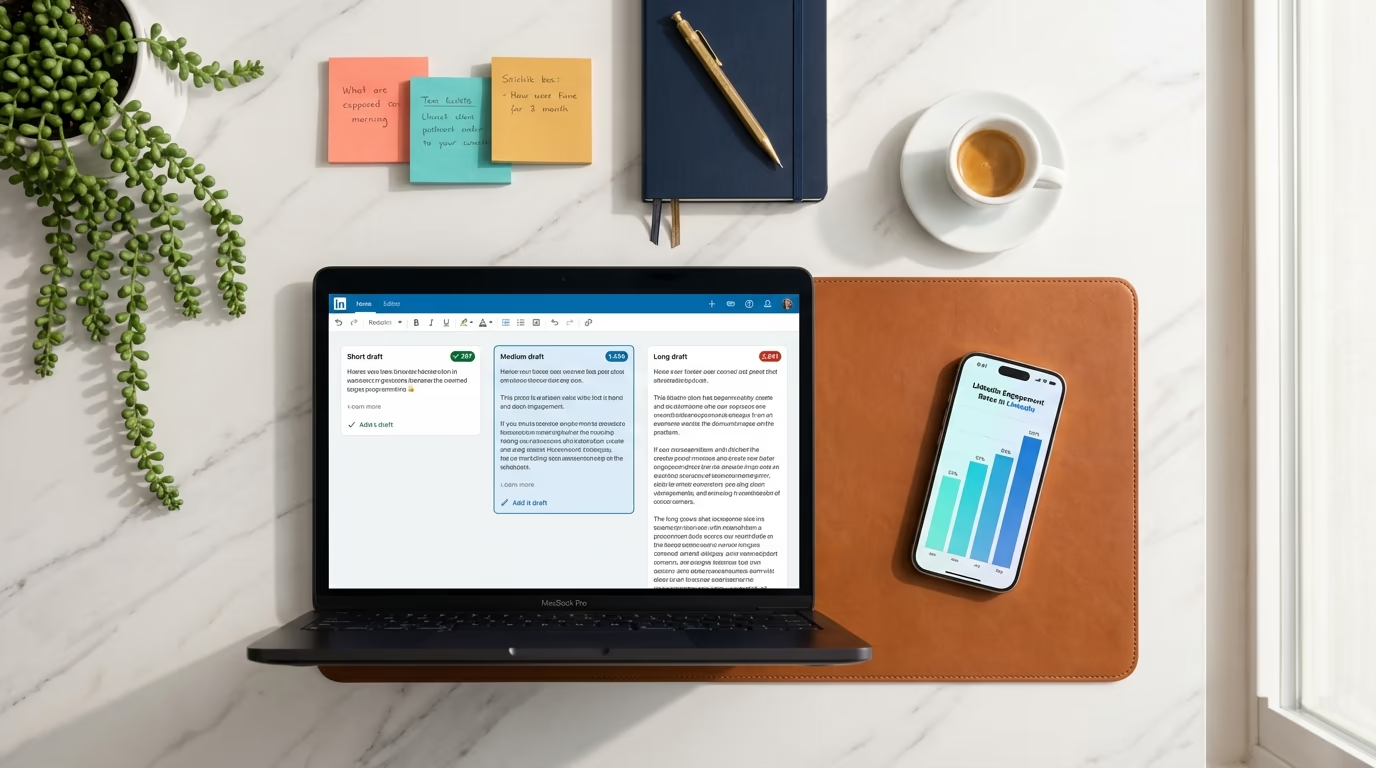

How do you write a LinkedIn post?
Write a LinkedIn post by leading with a hook in the first 210 characters, which is all most people see before 'see more', then delivering one clear idea in short, skimmable paragraphs, and closing with a single question or call to action. Keep the whole post between 1,300 and 1,900 characters, and edit it once out loud before you publish.
Most people freeze the moment they open the LinkedIn post box. They have something worth saying, but the blank field and the blinking cursor turn it into a wall. So they either write nothing, or they write something stiff and corporate that reads like a quarterly report and lands with the same silence. The gap between those two outcomes is not talent or a big following. It is a repeatable structure that anyone can learn in an afternoon.
A LinkedIn post is not an essay and it is not a tweet. It is a short, scannable piece of writing built around one idea, opened by a line strong enough to survive the "see more" cut, and closed by a reason for people to respond. Once you understand how those three parts work together, writing a post stops feeling like a creative gamble and starts feeling like following a recipe you have made before.
This guide walks through the whole thing: the anatomy of a post and the character counts that decide how much of it people see, how to write a hook that stops the scroll, how to structure the body so it gets read to the end, and how to close so people actually engage. Then it shows one complete post being built from a blank page, line by line, so you can see the process instead of just reading about it. LinkedGrow is a LinkedIn content creation and scheduling platform that speeds up the drafting part, but every principle here works no matter what tool you write in.
The reason so much LinkedIn writing advice fails is that it stops at "provide value" and "be authentic", which are true and completely useless when you are staring at an empty box. You cannot copy a feeling, but you can copy a structure. So the rest of this article is specific on purpose, down to the number of characters in your opening line and what to write when you want to announce a new job, share a win, or tell a story.
What makes a LinkedIn post worth reading?
A LinkedIn post is worth reading when it opens strong, sticks to one idea, and respects how people actually read the feed. Every post has the same three parts: a hook that earns attention, a body that delivers on the hook, and a close that gives people a reason to react. Miss any one of them and the post underperforms, no matter how good the underlying idea is.
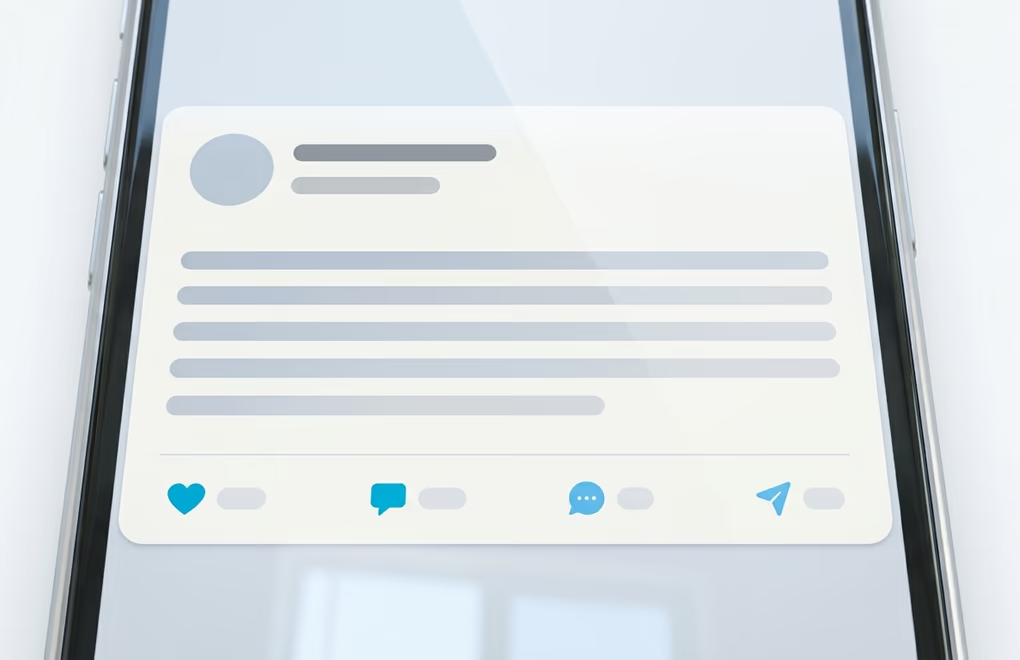
The numbers matter more than most people think. LinkedIn gives you up to 3,000 characters per post, but the feed only shows the first 210 characters or so on desktop, and roughly 140 on mobile, before it hides the rest behind a "see more" link. That means your opening two lines are doing almost all the work. If they do not earn the click, the other 2,790 characters never get read, because nobody expands a post that bored them in the first sentence.
The other number worth knowing is the sweet spot for length. You can write all the way to 3,000 characters, but posts that land between 1,300 and 1,900 characters, around 200 to 300 words, tend to hold attention better than very long ones. Long enough to make a real point, short enough that people finish it. There is a full breakdown in our LinkedIn post length guide, and you can check any draft against the limit with the LinkedIn character counter before you publish. When an idea runs past that ceiling and needs headings and sections to breathe, it belongs in a long-form piece instead, and our guide on how to write a LinkedIn article walks through that format end to end.
One more thing separates posts that get read from posts that get scrolled past: one idea per post. The temptation is to cram three lessons and a product mention into a single update, but that spreads attention too thin and leaves the reader with nothing specific to remember or respond to. A post that makes one clear point, well, beats a post that makes four points badly every single time.
How do you write a hook that stops the scroll?
You write a scroll-stopping hook by putting the most interesting part of your idea in the very first line, not building up to it. The hook lives in those first 210 visible characters, so it has to create a small gap in the reader's curiosity that only clicking "see more" can close. Warm-up sentences, throat-clearing, and slow context are what kill most posts before they start.

Three hook shapes work reliably, and you can copy the pattern and drop in your own details. The first is the result hook, where you lead with a concrete outcome: "I rewrote our onboarding email last month and cut refund requests by a third." The second is the contrarian hook, where you challenge a common belief: "Posting every day is the fastest way to burn out and quit LinkedIn." The third is the story hook, where you open on a specific moment: "Three years ago a client fired us over a typo. It taught me more than any win did."
Notice what all three have in common. They are specific, they promise something the reader wants to know, and they could only be written by the person who lived them. The fastest way to weaken a hook is to make it generic, so "Consistency is key on LinkedIn" dies while "I posted for 90 days straight and only three posts actually mattered" earns the click. If you want more patterns to steal, our guide to LinkedIn hooks breaks down a dozen formulas with examples.
A practical trick when you are stuck: write the whole post first, then look for your hook inside it. Often the best opening line is buried in the third paragraph, where you finally got to the point. Cut it, move it to the top, and delete the warm-up you wrote to get there. Your draft almost always contains a better first line than the one you started with, because you had to write your way into the idea before you could say it plainly.
How should you structure the body of the post?
Structure the body as a series of short paragraphs, most of them one or two sentences, with white space between them so the post is easy to skim on a phone. LinkedIn is read on mobile far more often than on desktop, and a dense block of text is an instant scroll. The goal is a post someone can absorb in fifteen seconds while standing in a coffee line.
After the hook, the body has one job: deliver on the promise the hook made. If your hook said you cut refund requests by a third, the body explains what you changed and why it worked, in enough detail that a reader could try it themselves. Specifics are what make a post credible. Numbers, names, the actual before and after, the mistake you made first. Vague advice like "focus on the customer" teaches nobody anything, while "we moved the refund policy above the buy button and returns dropped" is something a reader can act on.
A reliable body shape is context, then turn, then takeaway. Set up the situation in a line or two, describe the moment things changed or what you learned, and finish with the point the reader can carry away. You do not need every post to be a dramatic story, but you do need a shape, because a post that wanders loses people halfway through. When formatting the text, keep it to plain paragraphs and the occasional line break for emphasis. Our LinkedIn post formatting guide covers when line breaks and short lists help and when they just add noise.
Resist the urge to sound impressive. The writing that performs on LinkedIn reads like a smart person talking, not like a brand brochure. Contractions are fine, and plain words beat fancy ones. If you would not say a sentence out loud to a colleague, do not put it in the post. Reading the draft aloud is the fastest edit there is, because your ear catches the stiff, robotic phrasing that your eye skims right over.
How do you end a post so people actually engage?
End the post with one clear invitation to respond, usually a single question tied to the idea you just shared. The close is where a post earns comments, and comments are what tell LinkedIn to show your post to more people. A post that just trails off gets read and forgotten, while a post that asks a genuine question gives the reader an easy reason to add their own take.
The best closing question is specific and answerable in one line. "What would you have done differently?" beats "What are your thoughts?" because it gives people a narrow, concrete thing to react to. Avoid engagement bait like "comment YES if you agree" or "repost to help others". It reads as desperate, and LinkedIn has spent years training its feed to suppress exactly that kind of manufactured interaction.
Two small mechanics matter at the end. First, if your post needs a link, put it in the first comment rather than the body, because posts with external links in the body usually get less reach than posts that keep people on the platform. Second, add zero to two hashtags at most, chosen for relevance, not reach. A wall of ten hashtags looks dated and does nothing for distribution. One or two that describe your topic is plenty.
One more habit separates people who grow from people who post into the void: reply to every comment in the first hour. When you answer the early comments, you keep the conversation active exactly when LinkedIn is deciding how far to push your post, and you turn a one-way broadcast into an actual discussion. The post is not finished when you hit publish. It is finished when the conversation around it dies down.
What does a finished LinkedIn post look like, line by line?
Here is one complete post built from a blank page, so you can see the structure turn into real writing. Say the raw idea is this: "I stopped writing posts the night before and started batching them on Sunday, and my posting got way more consistent." That is a decent idea, but it is not a post yet, so watch it get built line by line.

The first fix is the hook. The plain version is "I started batching my posts," which states a fact but creates no curiosity. The stronger version leads with the tension: "For a year I wrote every LinkedIn post the night before it went out. That habit nearly made me quit LinkedIn." That opens a curiosity gap, it fits inside the visible character window, and it promises a lesson. Then the body delivers the turn and the specifics, and the close asks one real question. Assembled, the finished post looks like this:
For a year I wrote every LinkedIn post the night before it went out. That habit nearly made me quit LinkedIn.
Some nights I had nothing, so I posted nothing. Other nights I forced out something flat just to keep the streak alive. My calendar had holes and my best ideas never made it past midnight.
Then I tried one small change. Every Sunday I block one hour, write four posts in a batch, and schedule them across the week.
The gain came from my mood, not the writing itself. Drafting four posts when I am fresh and have time beats writing one post when I am tired and out of ideas. My posts got better because I was no longer writing them under pressure.
If you post inconsistently, the problem is probably not discipline, it is timing. What time of day do you write your best work?
That post is about 800 characters, on the shorter side but complete, with a hook that survives the "see more" cut, short skimmable paragraphs, one idea carried the whole way, and a closing question people can answer in a sentence. You can see the recipe in it now: tension up top, specifics in the middle, a genuine question at the end. That is the whole move, and you can run it on almost any idea you have.
How do you adapt the formula to different post types?
The same hook, body, close structure adapts to any post type, and you just change what goes in each slot. Whether you are announcing a new job, sharing a win, teaching a lesson, or promoting an event, the recipe holds. Only the specifics change, which is why learning the structure once saves you from starting over every time you write.
For a new job announcement, skip the "thrilled to announce" opener that everyone uses and lead with why the move matters to you: what pulled you to this role, or what you are leaving behind. The body can thank the people who helped and name what you are excited to build, and the close can invite people in your new field to connect. The specific reason you took the job is the hook, not the job title itself.
For a win or an achievement, resist the humble-brag and make it useful. Open with the result, then spend the body on how you got there and what almost went wrong, so the post teaches something instead of just collecting congratulations. A post that says "we hit 10,000 users and here are the three bets that got us there" earns more than a screenshot of the milestone with a thank-you. For a lesson or a story, use the worked example above as your template, and for an event or launch, lead with the one reason someone should care, then give the practical details. If you are ever short on angles, our list of what to post on LinkedIn and our collection of real LinkedIn post examples are good places to find one.
The mistake to avoid across all of these is copying a template word for word. Templates are scaffolding, not the finished building. Use the structure to organize your thinking, then fill it with details only you have, because the specific and personal parts are exactly what a reader cannot get from anyone else. A template gives you the shape. Your experience gives you the reason anyone should read it.
Writing LinkedIn posts you can actually keep up with
Knowing how to write one good LinkedIn post is the easy part. Writing them week after week, alongside a real job, is where almost everyone falls off. The structure in this article makes each post faster to write, but consistency still comes down to a system: pick your ideas in a batch, draft them when your energy is high, and schedule them so a busy week does not break the streak. That rhythm is what turns a few good posts into an audience.
This is where a tool earns its place, as long as it helps you sound more like yourself, not less. LinkedGrow learns your voice from a handful of your own posts, so its voice training turns a rough idea into a first draft that already reads like you, and its hook generator hands you a dozen opening lines to pick from when you are stuck. You still add the specifics and do the final edit, because that human pass is what keeps a post from sounding like generic AI writing. The tool handles the blank page and the structure, and you handle the part that makes it worth reading.
If writing consistently is the wall you keep hitting, that is worth trying. You can start a 7-day Pro trial today, connect your account, and see whether drafting on your own voice makes posting something you can finally keep up with. The best LinkedIn post is the one you actually publish, and the second best is the four more you have ready to go for next week.
Frequently asked questions about writing LinkedIn posts
A good LinkedIn post starts with a hook that earns the click on 'see more', delivers one clear idea in short paragraphs that are easy to skim, and ends with a single question or call to action. Keep it between 1,300 and 1,900 characters, write about something you actually know or did, and read it out loud once before publishing. If a sentence sounds like a press release, rewrite it the way you would say it to a colleague.
LinkedIn allows up to 3,000 characters, but the posts that perform best usually land between 1,300 and 1,900 characters, roughly 200 to 300 words. That range is long enough to make a real point and short enough that people finish it. The first 210 characters on desktop (about 140 on mobile) matter most, because that is all anyone sees before they decide whether to click 'see more'.
Pick one specific thing you learned or did recently at work, then write it the way you would tell a friend over coffee. Open with the moment or the result, explain what happened in three or four short paragraphs, and end by asking your reader if they have seen the same thing. You do not need a big audience or a polished brand voice to start. Your first post only needs to be honest, specific, and easy to read.
Two to four posts per week is enough for most people to build momentum without burning out. Consistency beats volume, so a schedule you can actually keep for months matters more than a burst of daily posts you abandon after two weeks. Batching a week of drafts in one sitting and scheduling them in advance is the most reliable way to stay consistent when work gets busy.
AI is useful for beating the blank page and turning a rough idea into a first draft, as long as you train it on your own voice and edit the result before publishing. A generic AI draft reads like a generic AI draft, and people can tell. Used well, AI handles the structure and the first pass, and you add the specific detail, the real opinion, and the human edit that makes the post sound like you.
The post you keep meaning to write takes four minutes here.
LinkedGrow turns a link, a video or a rough idea into a LinkedIn post written in your own voice, then puts it in the calendar for the morning your audience is awake.
Start free for 7 days