

To find decision makers on LinkedIn, you filter by seniority and job function to shortlist the people who can actually approve what you sell, confirm their authority from the profile before you reach out, and open with a message built from something they posted. In a small company that person is almost always the founder. In a larger one it's a director or the head of the function you sell to, and often two or three people who all touch the decision.
LinkedGrow is a lead generation platform for founders, freelancers, consultants, and small teams who want a steady flow of client conversations from LinkedIn without doing the searching by hand. Its AI agents read who you sell to, find the people who match, and score each one by fit before you spend a minute on outreach. This guide walks the manual method first, so you can find decision makers yourself or see exactly what an agent does on your behalf.
Each section answers the next question in order: who counts as a decision maker, how to find them for free, how Sales Navigator speeds it up, how to spot them by what they engage with, how to confirm real authority and open a conversation, and whether any of it can run on autopilot. It's written for someone selling to other businesses, not for a recruiter filling a role, and the same idea sits under all of it, which is that reaching the right person beats reaching more people.
Who are the decision makers you should target on LinkedIn?
A decision maker on LinkedIn is the person who can approve the purchase you're selling, not just the one who feels the problem. In most B2B deals that splits into four roles: the economic buyer who owns the budget, the champion who wants the change and sells it internally, the influencer whose opinion the buyer trusts, and the gatekeeper who controls access. Your real targets are the economic buyer and the champion, because the other two rarely sign anything on their own.

Titles are a starting point, not proof. A VP of Sales at a 2,000 person company might control no budget of their own, while a founder at a 15 person agency signs off on everything before lunch. The question that matters is who owns the outcome you improve and who controls the money that pays for it, and on LinkedIn you read that from the profile, the company size, and how the person talks about their work. That's why the same product needs a different first message depending on the size of the company you're aiming at.
The founder or owner decides, usually alone and fast. Reach them directly and talk about outcomes and time saved.
A department head such as Head of Sales or Head of Marketing owns the call, and the founder signs the larger cheques.
A director or VP of the function decides, usually with a champion on their team building the case from below.
A VP or senior director decides inside a committee, so you'll need two or three contacts across the function to move it.
Pin the company size before you write a word. A founder wants to hear about the result and the hours it gives back, while a director in a larger org wants to know it won't break what they already run and that their team will actually use it. It also tells you who to skip, since a company too small to hold a budget wastes your time as surely as one too large to reach without an introduction.
How do you find decision makers on LinkedIn for free?
You can find decision makers on LinkedIn without paying by pairing the basic search with a company's own employee list. Search a job title, filter by company or industry and location, then open the company page and click through to the People tab to see everyone who works there sorted by role. It's slower than Sales Navigator and the filters are blunt, but for a short list of people you genuinely want to reach it costs nothing. Faster LinkedIn prospecting tools automate the search and shortlist step so your time goes to the conversations, not the lookup.

Boolean search is what makes the free search usable. In the search bar you can combine terms with AND, OR, and NOT to narrow a title fast. A query such as ("head of sales" OR "vp sales" OR "sales director") NOT assistant pulls the senior people and drops the coordinators who muddy the results. Put each exact title inside quotation marks so LinkedIn matches the phrase and not the separate words, and lean on NOT to remove the recruiters and interns who share the same keywords.
Once you have a name, the profile tells you whether that person decides. Read the current role and how long they've held it, the size of the team they describe, and whether their posts mention owning a number or a budget. Someone who writes about the results their department delivered last quarter sits far closer to the money than someone who only reposts company news. The About section and the recent Experience entries usually state plainly whether the person leads a function or supports one.
The honest limit of the free account is volume. LinkedIn caps a free profile at roughly 5 personalized connection invites a month and slows down how many searches you can run before it nudges you to upgrade. That's fine when you're building a list of 20 named people you really want to speak to. It falls apart the moment you try to prospect at scale, which is where Sales Navigator or an agent starts to earn its keep.
How does Sales Navigator help you find decision makers faster?
Sales Navigator finds decision makers faster because its filters were built for exactly this job. You can narrow by seniority level, job function, company headcount, and geography in one search, then save that search so LinkedIn keeps feeding you new people who match as they change jobs or join a company you care about. Where the free search hands you a rough list, Sales Navigator hands you one that stays current on its own.
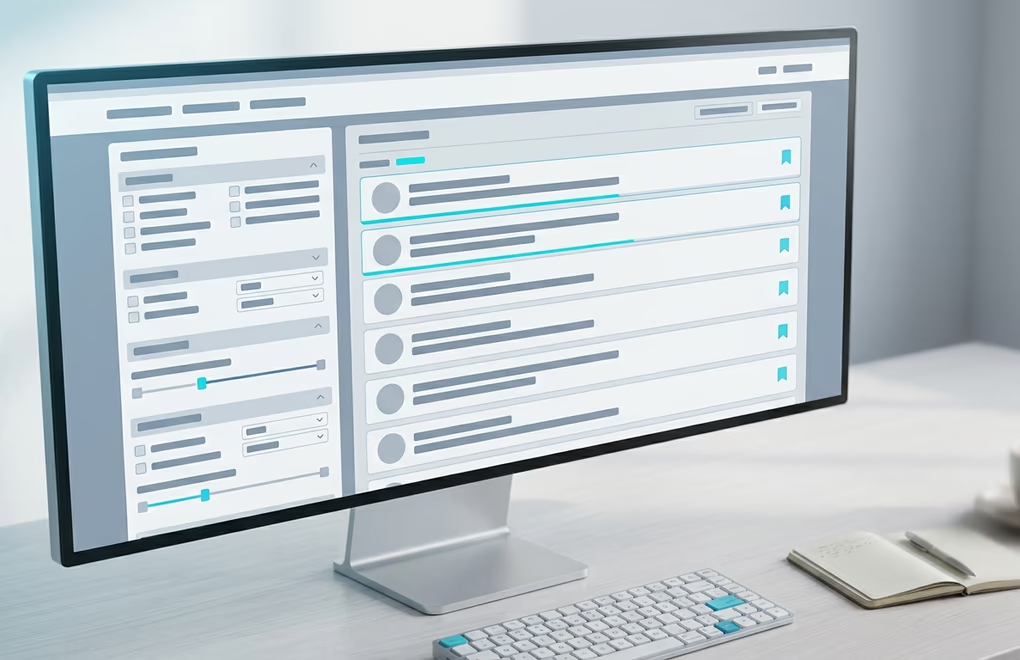
The two filters that do the heavy lifting are seniority and function. Set seniority to director and above, set function to the department you sell into, and add a headcount range that matches the company size where your buyer holds real budget. From there you can build a list of target accounts first, then find the decision makers inside each one, which keeps you focused on companies that fit instead of chasing scattered names. Saved searches and lead lists then hold that work so you're not rebuilding it every week.
The filter that quietly pays for the subscription is "changed jobs in the last 90 days". Someone who just stepped into a role is rebuilding their toolkit and reviewing what their predecessor left behind, so a relevant message lands at the exact moment they're open to one. If you're weighing whether the paid tier is worth it for your volume, our breakdown of LinkedIn Premium and Sales Navigator walks through the numbers.
Can you find decision makers by watching who engages?
Yes, watching who engages is often the highest quality way to find decision makers. Instead of guessing who has a need, you watch for the people already showing one: someone commenting on a competitor's post, asking a public question about the problem you solve, or reacting to content in your space. These buying signals tell you a decision maker is thinking about the category right now, which is worth more than a perfect title with no timing behind it.

Four signals are worth watching, and the first is engagement on a competitor's post, because someone who stops to comment on a rival's launch is weighing the category out loud. The second is a public question, the "does anyone know a tool for this" thread where the person has named the problem for you. The third is a role change around the 60 day mark, when the choices a predecessor made are all up for review. The fourth sits closest to home, the people who viewed your profile or engaged with your own posts and already know you exist.
Acting on a signal changes the whole message. You're no longer a stranger with a pitch, you're replying to something the person said, so the note writes itself from their own words. This is also the method that scales worst by hand, since it means checking a dozen sources every working day and remembering who said what. LinkedGrow watches those sources for you and files each lead with a link to the exact post or comment that surfaced them, so you read their own words before you decide to reach out.
How do you confirm someone is the decision maker and reach them?
Before you message a prospect, confirm they can actually approve the purchase, not just influence it. The quickest check is to match their title against the company size using the bands above, then read the profile for signs of ownership: a team they manage, a number they carry, a budget they mention. If two people look like they share the decision, treat both as real and plan to reach each of them rather than betting the whole deal on a single contact.

Larger deals are rarely one person's call. In a company over a few hundred people, expect a champion who wants the change, a boss who approves the spend, and sometimes a finance or technical check alongside them. Reaching more than one of them, politely and separately, is what sales teams call multithreading, and it's the difference between a deal that stalls the week your single contact goes quiet and one that keeps moving because someone else is carrying it inside.
The first message decides whether any of the searching mattered. Keep a connection note under LinkedIn's 300 character limit, lead with the reason you're reaching out that's specific to them, and ask for nothing on message one beyond the connection itself. A note that points at the post they wrote last week or the role they just started reads as a person who looked, while a generic pitch reads as a blast, and a decision maker tells the difference in a single line. Our LinkedIn outreach message templates give you openers you can adapt to each role.
Can you automate finding decision makers on LinkedIn?
You can automate most of finding decision makers on LinkedIn, as long as the automation behaves like a person and not a LinkedIn scraper. The searching and the scoring are repeatable work a tool handles well, and so is the first draft of each message. What still needs you is the judgment on a warm reply and the actual conversation once someone answers.
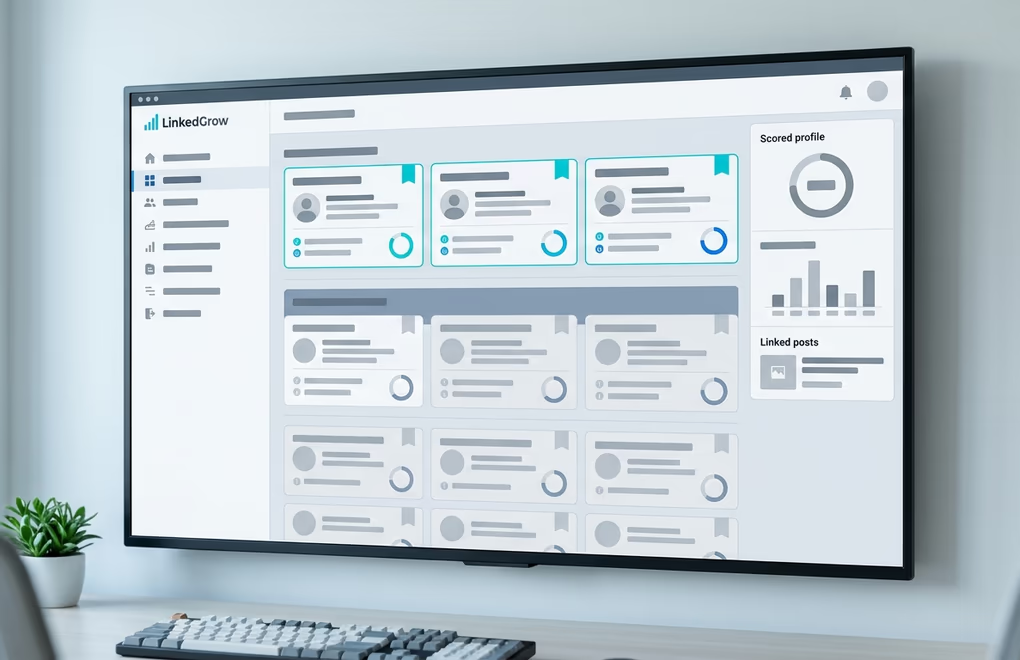
LinkedGrow automates this loop end to end. You paste your website address and the agent reads what you sell, then proposes the buyer, the roles, the industries, the company sizes, and the topics that describe your ideal customer. You correct it, adding the titles it missed and removing the industries that don't fit, and from then on every prospect it finds is scored against that profile. Weak matches are filtered out entirely instead of piling up in a queue, so the best fit of the week is the first person you see. You can read more on how the ICP scoring works.
Each scored lead links back to the post or comment that surfaced them, so you can read their own words before the agent drafts a message from that same context rather than from a job title. It sends at a human pace from your own account, follows up until someone replies, and hands the conversation to you the moment a lead is worth your time. If finding decision makers is the step that keeps getting squeezed out of your week between client work, LinkedGrow can run it for you and pass you only the warm replies. Every plan starts with a 7 day trial you can cancel any time before day 7, and you can book a demo to watch the agents work on your own account before you decide.
Where to start finding decision makers this week
Finding decision makers on LinkedIn comes down to a repeatable loop: decide who can actually approve what you sell, find them with search or by the signals they leave, confirm the authority before you reach out, and open with a line that proves you looked. None of it needs a big network or a sales background, only the discipline to stay specific about who you contact and why.
Start small and keep it concrete. Pick 10 companies that fit, find the one person in each who owns the outcome you improve, and send 10 messages built from a real detail on each profile. That beats 100 generic notes fired at titles you never checked, and it teaches you quickly which roles reply and which ignore you. Once the method works by hand, you'll know exactly what to hand to a tool, whether that's Sales Navigator, an agent like LinkedGrow, or both, and our guide to generating leads on LinkedIn picks up once those first replies start landing.
Frequently asked questions about finding decision makers on LinkedIn
You find decision makers on LinkedIn for free by combining the basic search with each target company's People tab. Search an exact job title in quotation marks, add Boolean operators like AND and NOT to drop the junior roles, then filter by company and location. The trade off is volume, since a free account allows only about 5 personalized connection invites a month, so the free method suits a short list of high value contacts rather than large scale prospecting.
The decision maker's title depends almost entirely on company size. In a business under about 20 people it's usually the founder or owner. Between 20 and 100 people a department head like Head of Sales or Head of Marketing tends to own the call. Above a few hundred employees a director or VP of the relevant function decides, often alongside a committee. A senior title at a large company is no guarantee of budget, so read the profile for signs of real ownership before you treat anyone as the buyer.
Check their title against the company size, then read the profile for ownership signals: a team they manage, a target or budget they mention, and posts that talk about the results their function delivered. If the profile only reposts company updates and never mentions owning an outcome, the person is more likely an influencer than the buyer. When two people appear to share the decision, treat both as real and reach each of them separately.
It rises with company size and deal value. A small business purchase is often one person, the founder. A mid market deal usually involves a champion who wants the change and a boss who approves the spend, while enterprise deals can pull in finance and IT alongside a wider buying committee. Reaching more than one contact, which sales teams call multithreading, protects the deal when your first contact goes quiet.
Yes, when the tool acts like a person rather than a bulk scraper. LinkedGrow builds your ideal customer profile from your website, scores every prospect it finds against it, and surfaces the best fits with a link to the post that flagged them, then drafts each message from that context and sends at a human pace from your own account. That automates the searching and the scoring while leaving the judgment on warm replies to you, which is what keeps the account safe and the outreach relevant.
The people you just read about are already on LinkedIn.
LinkedGrow runs an agent that finds the ones who match the customers you already have, sends the invitation in your words, and opens the conversation. You pick it up when somebody answers.
Build my agent free