
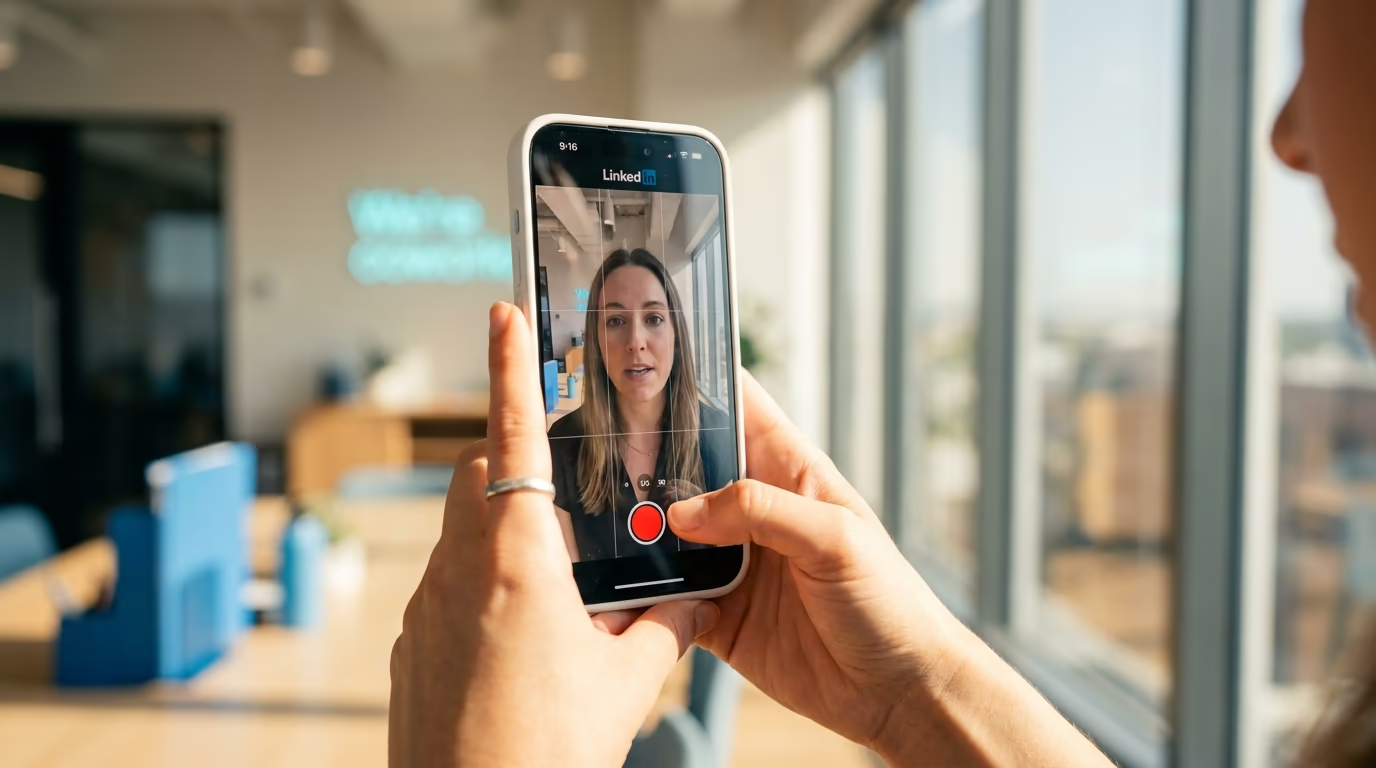
LinkedIn video has gone from a minor content format to one of the strongest organic reach levers on the platform, and the numbers back that up. Watch time climbed 36 percent year over year in 2024, video posts earn roughly 5 times the engagement of static text, and LinkedIn rolled out a dedicated vertical video feed that mirrors the scroll-and-swipe pattern most people already use on other platforms. For anyone building a presence on LinkedIn, ignoring video in 2026 means leaving the highest-engagement format on the table.
The catch is that LinkedIn's video specs are scattered across multiple help pages, ad documentation, and third-party references that often contradict each other or cite outdated numbers. This article pulls every confirmed spec into one reference, walks through the aspect-ratio decision for different content goals, explains the length rules that actually affect performance, and gives you a step-by-step posting workflow for both desktop and mobile. If you use LinkedGrow to plan and schedule your LinkedIn content, knowing these specs means every video you create lands without re-encoding surprises or cropped frames.
What are the exact LinkedIn video specs in 2026?
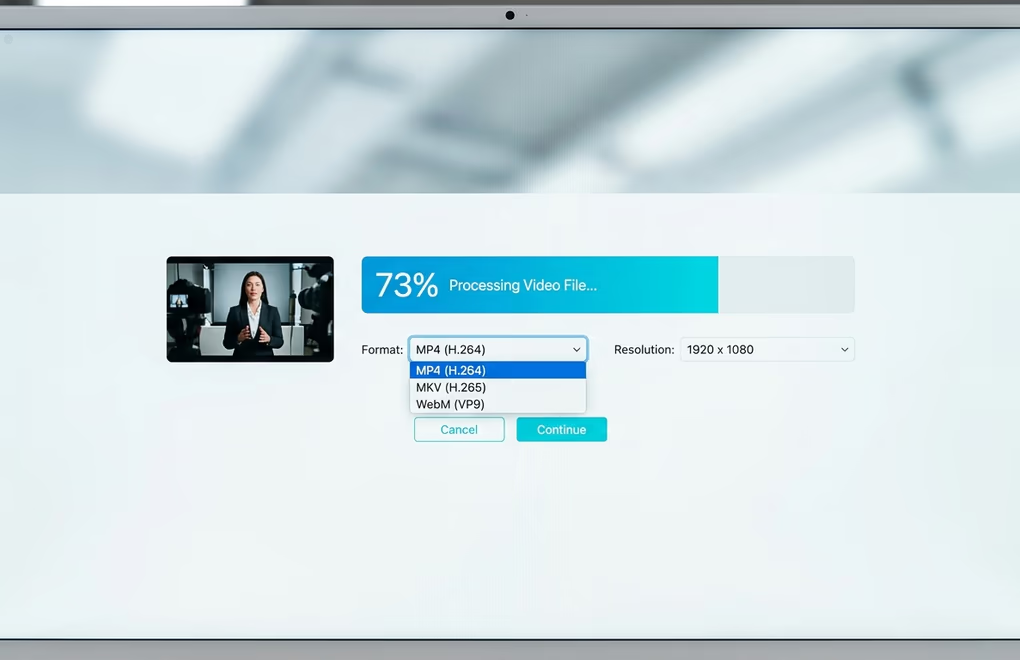
LinkedIn's official video requirements cover file format, resolution, aspect ratio, duration, file size, frame rate, and bit rate. The table below combines the organic post specs and the ad specs into a single reference so you can see both side by side.
| Spec | Organic posts | Video ads |
|---|---|---|
| File format | MP4 (recommended), ASF, FLV, MKV, WebM, MPEG-4, WMV2, WMV3 | MP4 only (H.264 codec required) |
| Not supported | AVI, QuickTime/MOV | Same |
| Resolution | 256x144 to 4096x2304 | 1080p recommended |
| Aspect ratio | 1:2.4 to 2.4:1 | 4:5, 9:16, 16:9, 1:1 |
| Duration | 3 sec to 10 min (mobile) / 15 min (desktop) | 3 sec to 30 min |
| File size | 75 KB to 5 GB | 75 KB to 500 MB |
| Frame rate | 10 to 60 FPS | 30 FPS recommended |
| Bit rate | 192 Kbps to 30 Mbps | No published cap |
| Audio codec | AAC or MPEG-4, under 64 kHz | AAC at 48 kHz |
MP4 with H.264 video encoding and AAC audio is the safe default for everything. While LinkedIn technically accepts formats like MKV and WebM for organic posts, those occasionally trigger re-encoding delays or quality loss during processing. If your editing software exports in MOV by default (Final Cut Pro, for example), switch the export preset to H.264 MP4 before uploading, and you won't run into issues.
One spec that catches people off guard is the mobile upload limit of 10 minutes versus 15 minutes from desktop. If you have a 12-minute webinar clip you want to share, you need to upload from a desktop browser or trim the clip before uploading from your phone. For most content creators the 10-minute ceiling is more than enough, because the ideal performing length on LinkedIn is significantly shorter than either cap. Keep your file size in the 50 to 200 MB range for organic posts, even though the platform allows up to 5 GB, since smaller files process faster and start playing sooner in the feed.
Which aspect ratio should you use for LinkedIn video?
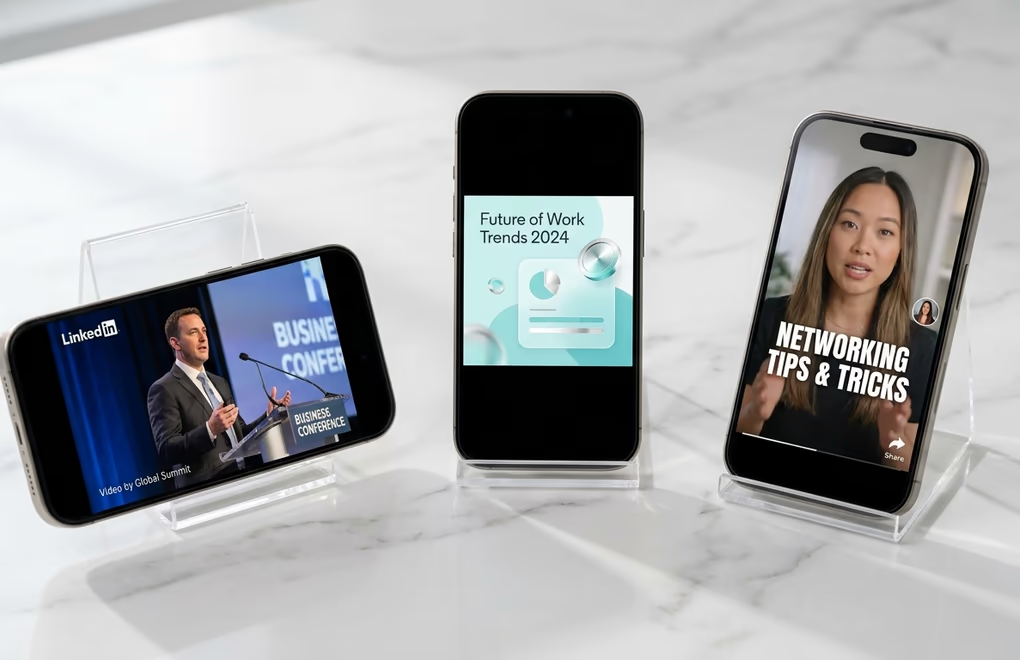
The aspect ratio you pick determines how much screen real estate your video occupies in the feed, and more screen coverage translates directly to higher stop rates. LinkedIn supports ratios from 1:2.4 (ultra-tall) to 2.4:1 (ultra-wide), but the four ratios that matter in practice are 9:16 vertical, 4:5 tall, 1:1 square, and 16:9 landscape, and each one suits a different content scenario.
9:16 vertical (1080x1920) is the format LinkedIn is actively promoting in 2026 through its dedicated vertical video feed. If you record yourself talking to the camera on a phone, this is the natural output and it takes over the full mobile screen when someone taps into the vertical feed. For personal branding, talking-head content, short tips, and behind-the-scenes clips, vertical is the strongest choice because it gets the most screen area on the device where roughly 60 percent of LinkedIn usage happens.
4:5 tall (1080x1350) is the compromise format. It still takes up significant vertical space on mobile without looking awkward on desktop, which makes it a solid option if your audience splits evenly across devices. This ratio also matches LinkedIn carousel dimensions, so if you repurpose a carousel into a video version (or the other way around), the framing stays consistent, which is handy if you use LinkedIn carousel templates alongside video in your content mix.
1:1 square (1080x1080) is the most versatile ratio. It looks balanced on mobile and desktop, works well for text-on-screen content and short animated explainers, and doesn't lose visual impact when embedded in articles or newsletters. If you can only produce one version of a video and want it to work everywhere, square is the safest bet.
16:9 landscape (1920x1080) is the standard widescreen format. It works best for screen recordings, webinar clips, interview cuts, and any content originally filmed horizontally. The trade-off is that a landscape video takes up the least feed space on mobile, which means it needs a stronger hook and a stronger thumbnail to stop the scroll.
How long should a LinkedIn video be?
LinkedIn allows up to 10 minutes on mobile and 15 minutes on desktop for organic posts, but the length that actually performs is much shorter. Videos under 60 seconds consistently earn the highest completion rates, and LinkedIn's own ad team recommends 15 to 30 seconds for sponsored content. Sprout Social's engagement data puts the optimal individual watch time at 13 to 15 seconds depending on account size, which means the first half of a 30-second video is doing most of the work.
That doesn't mean every video should be 15 seconds long, because the right length depends on the content type and what you want the viewer to do afterward. A quick tip or opinion clip can land in 15 to 30 seconds. A tutorial or how-to that walks through a process works better at 60 to 90 seconds because the viewer needs time to absorb the steps. A customer story or case study that builds trust might run 2 to 3 minutes and still hold attention if the narrative earns each second. The common thread is that every second must carry its weight, and any padding you leave in the cut shows up as a drop-off in completion metrics.
If you plan your content calendar with LinkedGrow's content calendar, mixing short vertical clips (under 30 seconds) with occasional longer-form pieces (90 seconds to 2 minutes) gives you both the algorithm-friendly completion rates from the short clips and the deeper audience trust from the longer ones. Posting frequency matters here as well, and the posting frequency data suggests 3 to 5 posts per week is the sweet spot, with video making up at least one or two of those to take advantage of the current algorithm boost.
How do you post a video on LinkedIn?
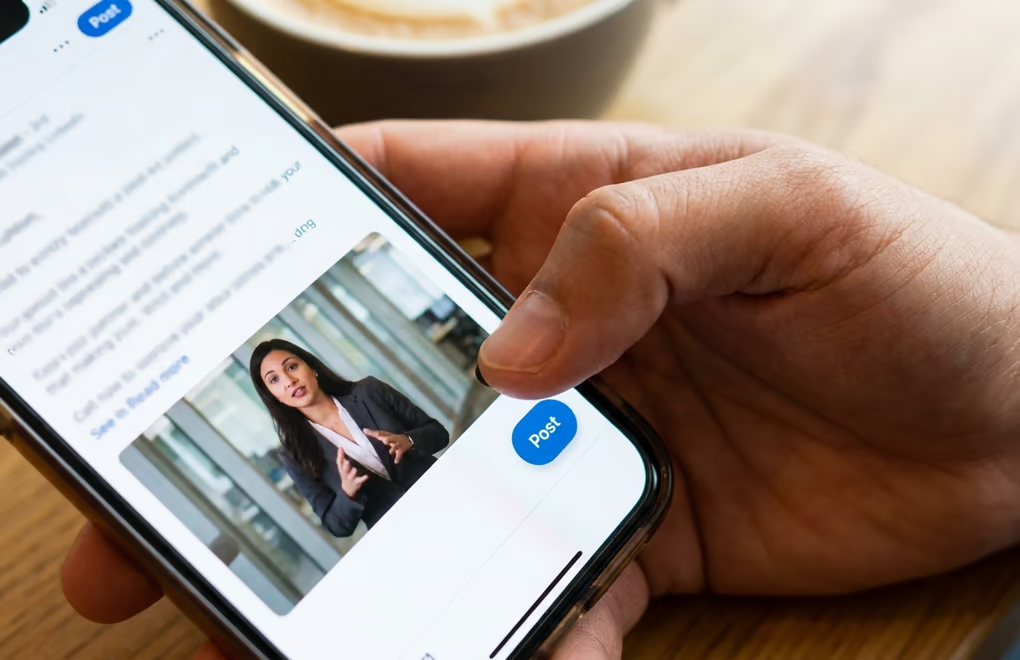
Posting a video on LinkedIn is straightforward once you know where the upload button lives on each platform, but the process differs slightly between mobile and desktop. Native uploads always outperform pasted YouTube or Vimeo links because native videos autoplay in the feed while external links display as a static thumbnail that the viewer has to click, and that extra click costs you most of your potential audience, so always upload the file directly to LinkedIn.
On mobile (iOS and Android), open the LinkedIn app and tap the post creation icon (the plus or pencil icon at the bottom center of the screen). Tap "Add media" or the camera icon, then select a video from your camera roll. LinkedIn's built-in editor lets you trim the clip, add text overlays, and turn on auto-generated captions before publishing. Write your post copy in the text field, add relevant hashtags (the hashtag strategy still applies to video posts), and either publish immediately or schedule for later. The maximum upload length from mobile is 10 minutes.
On desktop, click "Start a post" at the top of your feed, then click the video icon in the media toolbar below the text field. Select your file from your computer and wait for the upload and processing to finish, which can take anywhere from a few seconds to a couple of minutes depending on the file size and your connection speed. Once the preview appears, add your post copy, choose your audience (public, connections only, or a specific group), and post. The desktop limit is 15 minutes. If you want to schedule the post for an optimal time, LinkedGrow's post scheduling lets you queue text-and-media posts in advance so the video goes live when your audience is most active rather than when you happen to be at your desk.
One detail that trips people up: LinkedIn doesn't let you replace a video after publishing. If you spot an error in the first few seconds, you need to delete the entire post and re-upload a corrected version. That makes it worth previewing the final export on your phone before uploading, because a cropping or caption issue is much cheaper to fix before the post goes live than after it has already started collecting impressions.
Why is LinkedIn pushing video so hard in 2026?
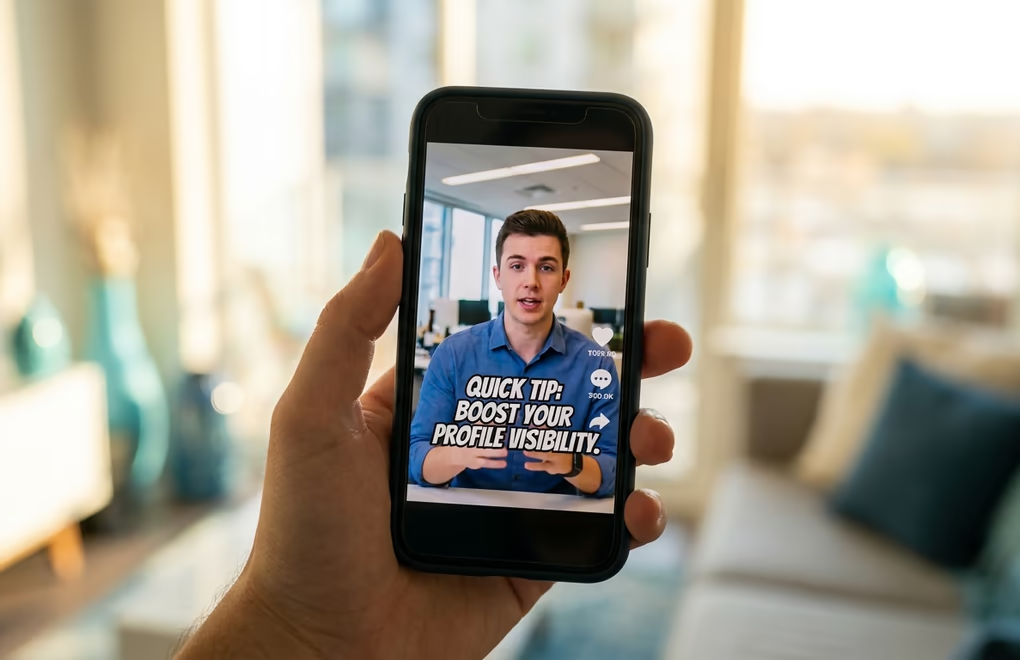
The short answer is that LinkedIn is chasing the same attention shift every other platform already adapted to. Short-form vertical video became the dominant content format across social media between 2020 and 2024, and LinkedIn was the last major platform to build a dedicated surface for it. The LinkedIn algorithm in 2026 now includes a separate vertical video feed that users access by swiping or tapping a video tab, and that feed operates on its own recommendation logic where content quality and completion rate matter more than your existing network size.
From LinkedIn's business perspective, video keeps users on the platform longer than any other format. Watch time grew 36 percent year over year in 2024, and video posts generate roughly 5 times the engagement of text-only posts according to Loomly's benchmarks. LinkedIn Live streams push that even further, earning 24 times the engagement of standard video. The platform is incentivized to surface video content aggressively because it increases session time, which increases ad revenue, which is the metric that actually drives product decisions.
What that means for creators is that video currently sits in a distribution window similar to where carousels were in 2023 and 2024: the algorithm over-indexes on it relative to the amount of video content being produced, which means early movers get disproportionate reach. That window won't stay open permanently, because as more people adopt video the supply will catch up with the algorithmic demand. If you have been thinking about adding video to your LinkedIn content mix, the return on effort is higher right now than it will be in a year. Pair your video strategy with strong written posts using a tool like LinkedGrow so you keep your text cadence consistent while experimenting with video formats.
What makes a LinkedIn video get views?
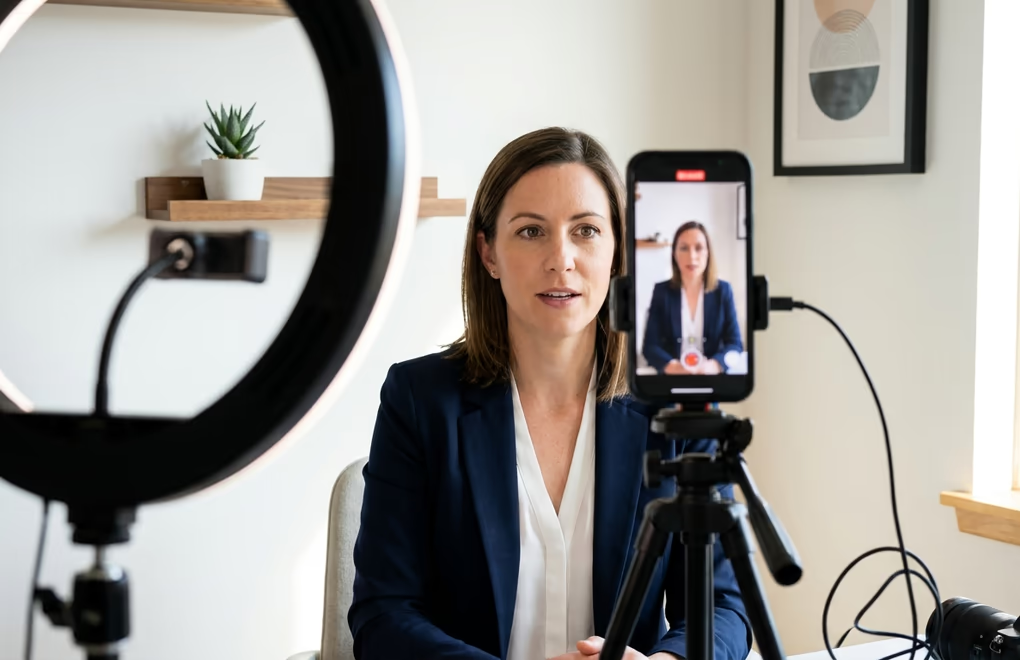
The single biggest factor is what happens in the first 3 seconds. LinkedIn videos autoplay on mute as the viewer scrolls, which means your opening frame is competing with every other piece of content in the feed for a split-second decision about whether to keep watching. The same hook principles that drive text posts apply to video, except here the hook is visual rather than written. A bold text overlay with a surprising claim, a close-up of your face already mid-sentence, or a quick cut to the most interesting moment in the video all work better than a title card or a slow fade-in from black.
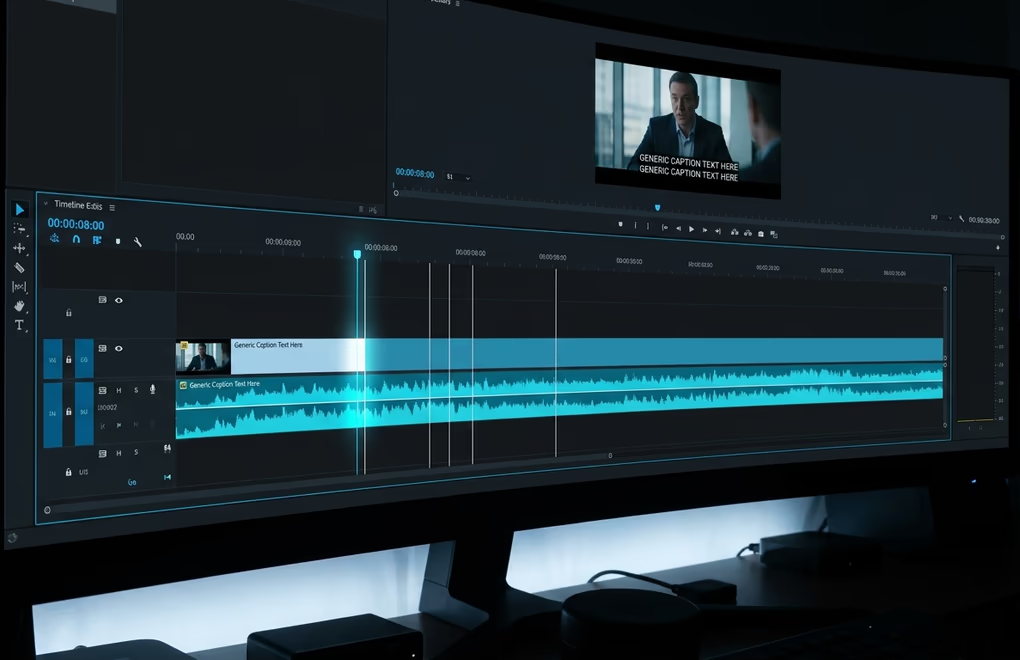
Captions are non-negotiable for any video with spoken content. Roughly 79 percent of LinkedIn video is watched with the sound off, according to Sprout Social, which means a video without captions is a video where most of your audience literally cannot understand what you're saying. You have two options: upload an SRT subtitle file alongside your video, or burn the captions directly into the video file using your editor. Burned-in captions give you more control over font, size, and placement, and they also work when someone shares or embeds the video outside LinkedIn where the SRT file might not follow. LinkedIn's mobile app also offers auto-generated captions during the upload flow, but the accuracy varies and you should always proof them before publishing.
Custom thumbnails matter more than most creators realize. If you don't upload a thumbnail, LinkedIn selects a frame from the video automatically, and the algorithm's frame choice is often a blurry mid-blink moment that makes the video look unprofessional. Upload a custom JPG or PNG thumbnail (under 2 MB) that matches the video's aspect ratio, uses bold readable text if appropriate, and gives the viewer a clear reason to tap. Think of the thumbnail as the formatting equivalent for video: it's the visual packaging that either earns or loses the click.
The last rule worth repeating is to always upload natively. Pasting a YouTube link in your post might feel faster, but it gives you a static thumbnail instead of an autoplaying video, which crushes your view count. If you want to repurpose YouTube content for LinkedIn, download the file and upload it directly. The YouTube-to-LinkedIn repurposing workflow covers how to adapt horizontal YouTube clips into the vertical or square formats that perform best in the LinkedIn feed.
What types of video content work on LinkedIn?
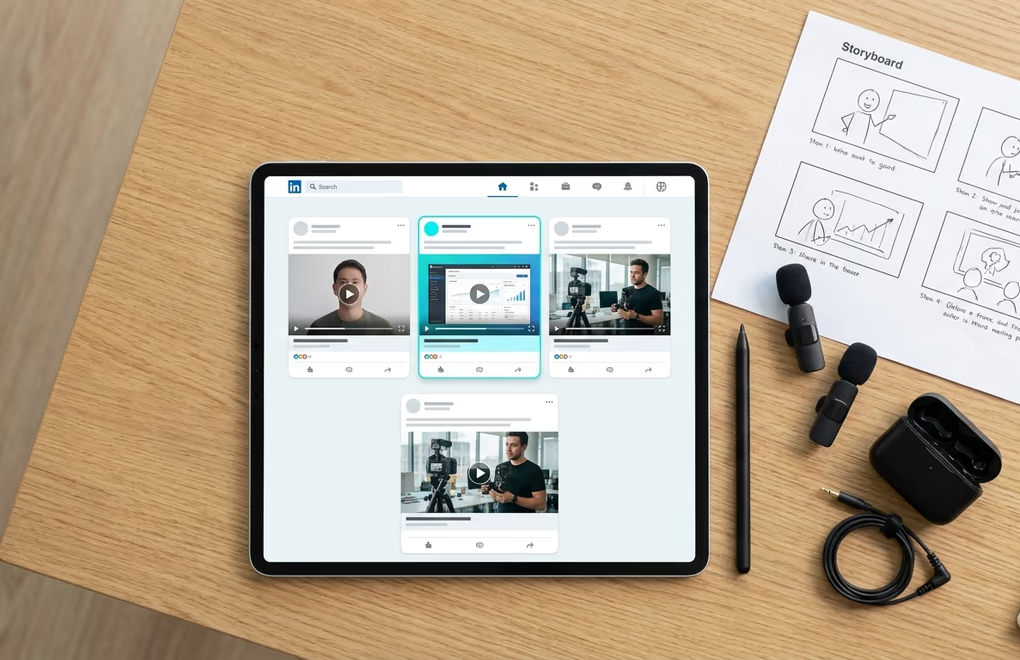
Not every video format performs equally on LinkedIn because the platform's audience expects professional value rather than pure entertainment. The formats that consistently drive both views and meaningful engagement fit into a handful of proven categories, and the best video strategies rotate between them rather than relying on a single type.
Talking-head tips are the fastest videos to produce and the most effective for building personal brand recognition. Record yourself sharing one specific insight, a contrarian opinion, or a practical tip that your audience can apply immediately. Keep it under 60 seconds, start with the strongest line (not "hey everyone, today I want to talk about..."), and deliver the value before asking for anything. This format maps directly to the content ideas you already use for text posts, except the delivery is face-to-camera instead of written.
Screen recordings and tutorials work well for software demos, walkthroughs, and any content where showing the process is faster than explaining it in text. Use 16:9 landscape for screen recordings so the interface stays readable, and keep the video between 60 and 120 seconds. Narrate what you're doing rather than adding text cards after the fact, because a natural voiceover feels more human and holds attention longer.
Behind-the-scenes clips give your audience a window into your process, workspace, or daily work that text and images can't replicate. A 20-second clip of you preparing for a client call, packing an order, whiteboarding a strategy, or walking through your office tells a story about your work without needing a script. These perform especially well as vertical videos because the smartphone-filmed authenticity is part of the appeal rather than a limitation.
Interview clips and event footage let you borrow credibility from guests or events while producing content that feels higher-budget than a solo recording. Pull a 60-to-90-second highlight from a longer conversation, add captions, and post it with context in the text. C-suite posts receive roughly 4 times the engagement of average posts according to Sprout Social, so if you can feature a senior leader in your clip, the reach multiplier compounds. If you're a ghostwriter or agency managing a client's presence, video clips of the client speaking in their own voice add authenticity that AI-generated text alone can't match.
Frequently Asked Questions
Vertical 9:16 at 1080 by 1920 pixels is the strongest format for organic reach in 2026 because it fills the entire mobile screen and feeds into LinkedIn's dedicated vertical video tab. Square 1:1 at 1080 by 1080 is the best fallback if your content needs to work equally well on desktop and mobile without reformatting.
LinkedIn accepts resolutions up to 4096 by 2304 pixels, so 4K uploads are technically allowed. In practice the platform re-encodes everything to a lower bitrate for streaming, which means the visual difference between a 1080p and a 4K upload is minimal once the video is live. Uploading at 1080p saves time and file size with no visible quality loss in the feed.
LinkedIn dropped support for AVI and QuickTime MOV files. If your recording software exports in MOV by default, convert to MP4 with H.264 encoding before uploading. Free tools like HandBrake or any modern video editor can do this in under a minute without losing quality.
The maximum is 10 minutes for organic posts uploaded from the mobile app and 15 minutes from desktop. Video ads can run up to 30 minutes. For performance, videos under 60 seconds consistently earn the highest completion rates, and LinkedIn's own ad team recommends 15 to 30 seconds for sponsored content. The sweet spot for organic thought-leadership videos is 30 to 90 seconds.
LinkedIn videos autoplay on mute by default on both desktop and mobile. That means your first few seconds need to work without any audio at all, which is why burned-in captions or bold on-screen text are essentially mandatory for any video that relies on spoken words to deliver its message.
LinkedIn requires MP4 with H.264 video codec and AAC audio for video ads. The maximum file size is 500 MB (compared to 5 GB for organic posts), and the platform supports 4:5, 9:16, 16:9 and 1:1 aspect ratios. Keep the ad under 30 seconds for the best cost-per-view results according to LinkedIn's own campaign benchmarks.
The post you keep meaning to write takes four minutes here.
LinkedGrow turns a link, a video or a rough idea into a LinkedIn post written in your own voice, then puts it in the calendar for the morning your audience is awake.
Start free for 7 days