

LinkedIn gives you two ways to add someone to your network, and most people use them interchangeably without thinking about the difference. You can follow someone, or you can connect with them. The buttons are right next to each other on every profile. They look almost identical. But they create very different relationships, and choosing the wrong one consistently will either limit your reach, clutter your feed, or burn through your connection request quota for no reason.
The LinkedIn follow vs connect distinction matters more in 2026 than it did a few years ago because the LinkedIn algorithm now treats followers and connections differently when it decides who sees your posts. Connections get priority distribution (your posts appear higher in their feeds), while followers see your content on a more conditional basis, filtered by how often they engage with you. If you are trying to grow on LinkedIn, whether as a creator, a salesperson, a founder, or a job seeker, you need to understand how each relationship type affects your visibility and what the right mix looks like for your specific goals.
This article breaks down the real difference between following and connecting on LinkedIn, explains when you should use each one, and shows how both affect your content distribution, your feed quality, and your ability to build relationships that actually lead somewhere. LinkedGrow is an AI-powered LinkedIn content platform that helps you create and schedule posts consistently (the content engine that turns followers and connections into an engaged audience), but every strategy in this guide applies regardless of the tools you use.
By the time you finish reading, you will know exactly when to follow, when to connect, how to unfollow connections whose content clutters your feed, and how to think about your follower-to-connection ratio as a growth metric rather than a vanity number.
What is the actual difference between follow and connect on LinkedIn?
Following is a one-way relationship, and connecting is a two-way relationship. That single distinction drives everything else. When you follow someone, you see their posts and articles in your feed, but they don't see yours (unless they independently follow you back). When you connect with someone and they accept, you both automatically follow each other, which means both of you see each other's posts, and you also gain the ability to send each other direct messages without using InMail credits.
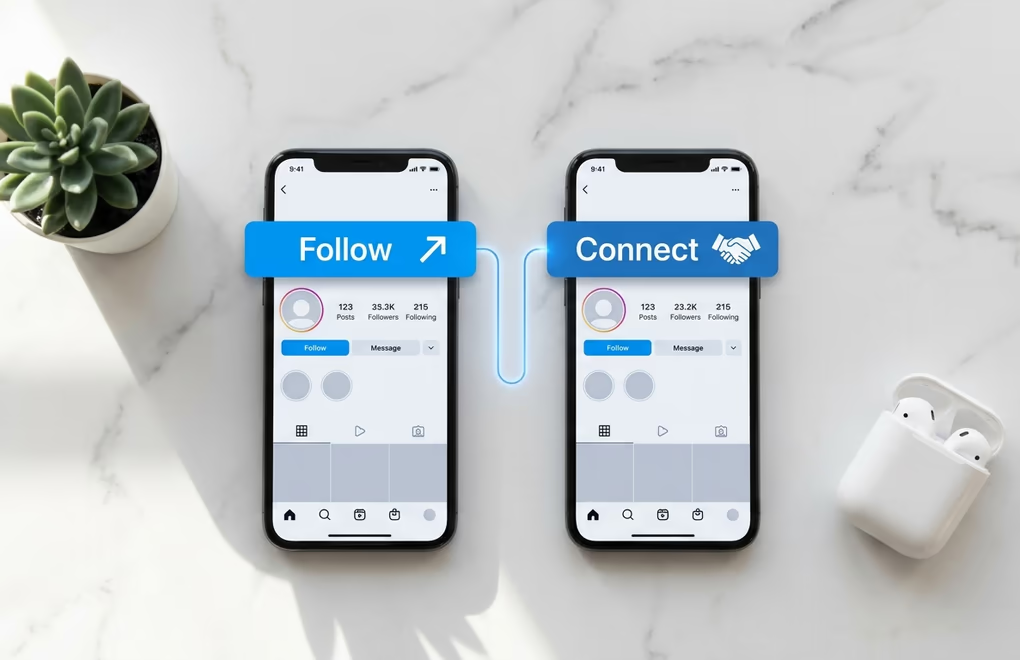
Connections are mutual by definition: you send a request, the other person accepts, and both of you appear in each other's connection lists. That connection counts toward your 30,000 connection cap (LinkedIn's hard limit per account). Once you reach that cap, the Connect button on your profile automatically switches to a Follow button, and anyone new can only follow you. Followers, on the other hand, have no cap. You can have millions of followers the way a public figure or a prolific creator does, and there is no limit on how many people you follow either.
The practical differences between the two boil down to four things. First, messaging: connections can DM you directly, while followers can only message you through InMail (a paid feature) or by replying to your posts. Second, visibility: connections see each other's activity (job changes, post engagements, profile views) in their notifications, while followers don't. Third, network degree: a connection is a 1st-degree contact (their connections become your 2nd-degree), which opens up warm introductions, while a follower has no degree relationship with you at all. Fourth, content distribution: the algorithm distributes your posts to connections with higher priority than to followers, because mutual relationships signal higher relevance.
One detail that confuses people: if you have Creator Mode turned on (or if you have 500 or more connections), the default button on your profile switches from "Connect" to "Follow". Visitors can still connect with you by clicking the three-dot menu and selecting "Connect", but the default action pushes them toward following instead. This is LinkedIn's way of steering high-volume profiles toward a follower model, which is less resource-intensive for the platform and gives the profile owner a broader audience without the baggage of thousands of direct-message relationships.
How does the LinkedIn algorithm treat followers vs connections?
The algorithm distributes your posts in waves, and connections get first access. When you publish a post, LinkedIn shows it to a small sample of your 1st-degree connections within the first hour. If that initial group engages (comments, reactions, shares), the post expands to a wider portion of your connections and starts reaching your followers as well. Followers who regularly engage with your content are more likely to see the post early in that expansion, while followers who rarely interact with your posts may never see it at all.

This two-tier distribution creates a practical advantage for connections over followers for early engagement. Your connections are the audience most likely to see your posts, which means they are the group most likely to leave comments and reactions in that critical first 60 minutes. If your connections are engaged and relevant (people who care about the same topics you post about), they give your content the early signal it needs to reach your broader follower base. If your connections are random people who accepted a request out of politeness but never interact with your posts, your content gets a weak start and the algorithm limits its distribution to everyone, including your followers.
The algorithm also considers the strength of your relationship with each person, which LinkedIn calls "relationship signal". Two people who comment on each other's posts, exchange messages, and visit each other's profiles frequently are treated as a strong relationship, regardless of whether they are connected or just following each other. In practice, though, connections generate stronger relationship signals faster because the mutual follow means both people see each other's content by default, creating more opportunities for interaction. A follower-only relationship requires the follower to actively seek out and engage with your content, which takes more effort and happens less reliably.
The implication for your growth strategy is clear: the quality of your connections directly affects how much reach your content gets. Connecting with 500 people who share your professional interests and who post about similar topics will generate far more distribution than connecting with 5,000 random people whose interests don't overlap with yours. Your posting frequency amplifies this effect: the more you post, the more data the algorithm has about which connections and followers engage with your content, and the more accurately it can distribute your future posts to the people most likely to interact with them.
When should you follow someone instead of connecting?
Following is the right choice when you want to learn from someone's content but don't have a genuine reason to build a two-way relationship. That sounds obvious once you say it, but most LinkedIn users default to connecting with everyone, which fills their connection list with people they have no real relationship with and dilutes their content distribution as a result.

Follow industry leaders and well-known creators whose posts you want in your feed. These are the people with 50,000 or more followers who publish regularly about topics relevant to your work. They won't accept your connection request anyway (their inbox is already overflowing), and even if they did, the connection would be meaningless because they will never see your content in the volume of their feed. Following them is the practical move: you get their posts in your feed, you can comment on their content to build visibility with their audience, and you can use their ideas as inspiration for your own posts without clogging your connection list.
Follow competitors and adjacent businesses when you want to monitor what they are posting without signaling a relationship. A connection request to a direct competitor feels awkward and gives them access to your activity notifications. Following them is invisible, quiet, and gives you the competitive intelligence you need without any of the social weirdness.
Follow people you discover through comments sections and trending posts when their content is interesting but you don't know them personally and have no immediate reason to start a conversation. Following is a low-commitment way to put them on your radar, and if their content consistently clicks with you, you can always upgrade to a connection request later with a note that references specific posts of theirs that you found valuable. This "follow first, connect later" approach produces much warmer connection requests than cold outreach, because by the time you connect, you already have shared context to reference.
Job seekers should follow hiring managers and recruiters at target companies before sending connection requests. Engaging with their posts for a week or two before connecting gives you something concrete to mention in your request note, and it puts your name on their radar before the request even arrives. The same principle applies to anyone pursuing a specific professional relationship: follow first, engage meaningfully, then connect when you have built enough context for the request to feel natural rather than cold.
When should you connect instead of following?
Connecting is the right choice when you want (or need) a two-way relationship with someone: you both benefit from seeing each other's content, you may need to exchange messages, or you share a professional context that makes a mutual connection valuable for both sides. The test is simple: if you would feel comfortable introducing yourself to this person at a conference, a connection request makes sense. If you wouldn't, follow instead.

Connect with peers in your field: people at your career level who work in the same industry or function. These are the connections that generate the most algorithmic value for your content, because they post about similar topics and are likely to engage with your posts. When they comment on your content, the algorithm shows your post to their connections (your 2nd-degree network), which brings in new followers and connections from exactly the audience you want.
Connect with clients, prospects, and collaborators you have actually spoken with, even briefly. A connection request after a meeting, a webinar, a shared event, or a DM conversation has a near-100% acceptance rate because both people remember the interaction. These connections also tend to be active ones, meaning you will actually engage with each other's content and keep the relationship alive beyond the initial handshake. If you are in sales, connecting after a discovery call or a LinkedIn comment exchange is far more effective than sending hundreds of blind connection requests, because the warm connection creates a genuine social selling relationship that can lead to real conversations.
Connect with former colleagues, classmates, and people from your professional past. These connections strengthen your network map by filling in real-world relationships that LinkedIn's algorithm can verify through shared company pages, school affiliations, and mutual connections. They also function as referral sources and endorsement candidates, and reconnecting with a former colleague often leads to unexpected opportunities because you both have career context that most LinkedIn connections lack.
One rule of thumb for salespeople and founders: keep your connection requests to people who fit your ideal customer profile (ICP) or who are genuine professional peers. Every connection you add who is completely outside your audience dilutes your content distribution, because the algorithm shows your posts to connections first, and connections who have no interest in your topic won't engage, which tanks the early engagement signal. Be strategic about who you connect with, and use the follow function for everyone else.
How do followers and connections affect your content reach?
Your total audience on LinkedIn is the sum of your connections and your followers, minus the overlap (since every connection is also a follower). When LinkedIn shows your total follower count on your profile, it includes your connections in that number. So if you have 2,000 connections and 500 additional followers (people who follow you but aren't connected), your profile shows 2,500 followers. That combined number is the pool the algorithm pulls from when distributing your posts.
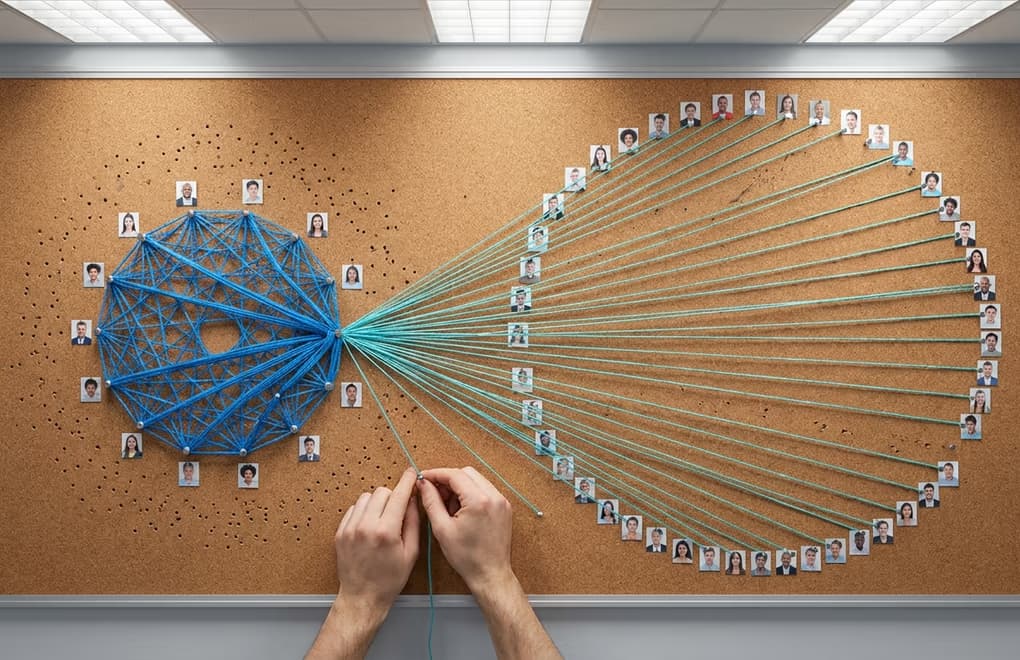
Content creators who post regularly tend to accumulate followers faster than connections, because every post that performs well gets shown to people outside your immediate network, and some of those people choose to follow rather than connect. Over time, most active LinkedIn creators end up with a follower count that is 2 to 10 times their connection count, because follows require no approval and no mutual commitment. This is completely normal and actually desirable, because followers represent people who chose to consume your content based on its quality, not because of a social obligation.
The practical implication for your content strategy is that you should think about connections as your core audience and followers as your extended audience. Your connections drive early engagement (the comments and reactions in the first hour that determine whether your post goes wider), while your followers provide the scale. If your connections are disengaged, even a large follower count won't save your reach, because the algorithm needs that initial signal from connections before it expands distribution to followers. And if you have engaged connections but few followers, your content will perform well within your 1st-degree network but struggle to break out to a wider audience.
This is why the combination of follow and connect matters so much for growth. You need enough relevant, engaged connections to give every post a strong start, and enough followers to give it scale once the algorithm decides to push it wider. Building both requires consistent, quality content (which is where LinkedGrow's AI post generator helps by making it realistic to post 3 to 5 times per week without spending hours drafting), combined with strategic connection requests to the right people and a willingness to let everyone else follow organically.
One tactic that works well for creators and professionals building a personal brand on LinkedIn: turn on Creator Mode (or wait until you have 500 connections) and let your profile default to the Follow button. This naturally grows your follower count while preserving your connection slots for people you genuinely want a two-way relationship with. Anyone who really wants to connect can still find the Connect option in the three-dot menu, which functions as a natural filter for people who are serious about the relationship versus those who are just browsing.
Which should you focus on to grow your LinkedIn presence?
The answer depends on where you are in your LinkedIn journey and what you are trying to accomplish. If you are starting from scratch with fewer than 500 connections, focus on connecting with relevant peers, colleagues, and target-audience members first. Your initial connections are the foundation of your content distribution, and you need a core group of people who will see and engage with your posts before followers start to matter at all.
Once you have an engaged base of 500 or more connections who are relevant to your topic and who interact with your content, shift your focus to followers. Turn on Creator Mode, post consistently, and write strong hooks that stop people mid-scroll. At this stage, every post that performs well brings in new followers, and those followers expand your reach without requiring any effort on your part. Your connection requests should become more selective: only connect with people you have genuine professional context with, and let everyone else follow naturally.
For salespeople and agency owners, the math tilts toward connections because direct messaging access is critical to your workflow. But even then, quality matters more than quantity. Connecting with 50 well-targeted prospects per week and then engaging with their content will generate more pipeline than connecting with 200 random people and hoping for the best. The follow-first approach (follow a prospect, engage with 2 to 3 of their posts, then connect with a note referencing your interactions) produces acceptance rates and reply rates that cold requests can't match.
For coaches, consultants, and founders building authority, the balance tips toward followers. Your goal is reach, and followers are the way to get it at scale. Every scheduled post that reaches beyond your connections and attracts new followers is an investment in your future distribution. LinkedGrow makes this consistent: you can build your network through content instead of cold outreach by creating voice-trained posts that sound like you, scheduling them across the week, and letting the algorithm do the work of finding your audience.
The bottom line on LinkedIn follow vs connect is this: connections are for relationships, followers are for reach. Both matter, but they serve different purposes at different stages. Get the balance right and your LinkedIn grows on two tracks at once: deeper relationships with the people who matter most, and broader visibility with the audience that discovers you through your content.
Frequently asked questions about LinkedIn follow vs connect
Yes. When you connect with someone on LinkedIn, you automatically follow them and they automatically follow you. Both of you will see each other's posts in your feed. If you later disconnect, the follow relationship can remain in place unless one of you manually unfollows as well. This is why connections always count as followers but followers don't count as connections.
You can follow anyone on LinkedIn without sending a connection request. If their profile has a Follow button visible (which is the default for accounts with 500 or more connections, and for anyone who has turned on Creator Mode), you can click it and start seeing their posts in your feed. They won't be able to message you directly and you won't appear in their connection list, but you will see everything they publish.
Unfollowing a connection removes their posts from your feed, but the connection itself stays intact. They can still message you, view your profile, and see your posts in their feed (because they still follow you). They won't receive a notification that you unfollowed them. This is useful when a connection posts frequently about topics that aren't relevant to you but you still want to keep the direct messaging ability.
LinkedIn caps connections at 30,000 per account, but there is no public limit on the number of people you can follow. In practice, following thousands of accounts will flood your feed with content that makes it difficult to keep up with the people who matter most. A more realistic approach is to follow people whose content you actually want to read and unfollow accounts that clutter your feed without adding value.
Follow them first if you want to learn from their content, especially if they are a well-known creator, executive, or industry expert. Connect only when you have a clear reason: a shared event, a mutual connection, a genuine interest in a two-way conversation, or a professional relationship you want to build. Following is low-commitment and carries no rejection risk, which makes it the better default for people you admire from a distance.
The people you just read about are already on LinkedIn.
LinkedGrow runs an agent that finds the ones who match the customers you already have, sends the invitation in your words, and opens the conversation. You pick it up when somebody answers.
Build my agent free