

LinkedIn AI and automation tools range from $9/mo for basic Chrome extensions to $249/mo for enterprise-grade platforms. Pricing is deliberately confusing, bundled AI credits obscure the real cost, and you often cannot tell what you are actually paying for until after you have committed. I spent 3 months testing every major LinkedIn AI tool on the market so you can skip that process entirely. If you are also weighing LinkedIn's own subscription, see whether LinkedIn Premium is worth it before you add it to the stack. LinkedIn AI and automation tools range from $9/mo for basic Chrome extensions to $249/mo for enterprise-grade platforms. Pricing is deliberately confusing, bundled AI credits obscure the real cost, and you often cannot tell what you are actually paying for until after you have committed. I spent 3 months testing every major LinkedIn AI tool on the market so you can skip that process entirely.
This guide ranks 12 LinkedIn AI tools by use case, from the cheapest automation options to full-featured platforms. Each tool gets an honest breakdown of how it works, what it costs after hidden fees, and who benefits most from it. No affiliate links, no sponsorship deals. Whether you are a solopreneur looking for the cheapest way to automate LinkedIn content, a coach building a lead pipeline, or an agency managing multiple accounts, this guide covers it.
How we evaluated these tools
Five criteria drove every ranking: AI model choice (tools locking you into 1 model age fast), voice training depth (generic output gets ignored), total cost including hidden AI fees (bundled tools mark up $2-$4 worth of API calls to $50+), integrated workflow (scheduling, hooks, carousels, images in 1 tool), and direct LinkedIn publishing to personal profiles and company pages. For a deeper look at what these tools actually charge for AI access, see the AI API cost comparison across LinkedIn tools.
All 12 LinkedIn AI tools at a glance
The fast version. Full reviews follow each tool below.
| # | Tool | Best for | From | Voice training | BYOK |
|---|---|---|---|---|---|
| 1 | LinkedGrow#1 | Best overall - BYOK + voice training | $59/mo (+$2-4 AI) | ✓ | ✓ |
| 2 | Taplio | Outreach + viral hooks library | $39/mo | — | — |
| 3 | AuthoredUp | Post formatting + analytics | $19.95/mo | — | — |
| 4 | Supergrow | Budget all-in-one | $19/mo | ✓ | — |
| 5 | Buffer | Multi-platform scheduling | $20/mo | — | — |
| 6 | Hootsuite | Enterprise teams | $99/mo | — | — |
| 7 | EasyGen | One-click in-browser | $9/mo | — | — |
| 8 | MagicPost | Beginners + templates | $39/mo | — | — |
| 9 | ContentIn | Daily LinkedIn posters | $29/mo | — | — |
| 10 | RedactAI | French-speaking creators | $19/mo | — | — |
| 11 | Kleo | Ghostwriters + multi-client | $29/mo | ✓ | — |
| 12 | Typefully | Cross-post X + LinkedIn | $12.50/mo | — | — |
1. LinkedGrow: Best overall - BYOK + voice training

LinkedGrow takes a fundamentally different approach to AI content creation. Instead of locking you into one AI model, you bring your own API key and choose from 26+ models across OpenAI, Anthropic, Google, xAI, Perplexity, and Kimi. This means you are always using the latest and best AI models the moment they launch, without waiting for the tool vendor to integrate them.
The voice training system is the standout feature. You paste 3 to 5 past posts, LinkedGrow analyzes your sentence structure, vocabulary, and tone, and every future generation matches that profile. Users consistently report their audience cannot tell which posts were AI-drafted.
Beyond AI writing, LinkedGrow includes scheduling, a content calendar, a hook generator, carousel creation, AI image generation, analytics, A/B testing, Reddit-to-LinkedIn content import, and team collaboration on the Business plan. It publishes directly to LinkedIn personal profiles and company pages.
Pricing
7-day Pro trial with full features, everything included. Pro at $59/mo with unlimited generation, image generation and analytics, Business at $89/mo with team features and API access. BYOK AI costs average $2 to $4/mo with zero markup.
Pros and cons
Pros: 43 AI models with model freedom. Voice training that beats every competitor on output quality. Unlimited generations on every paid plan. Total cost stays at $61 to $93/mo all-in. Built-in image and carousel generation, no second subscription needed.
Cons: BYOK setup adds 2 minutes (creating an API key with your chosen provider). Smaller community than legacy tools like Taplio. Native analytics still rolling out due to LinkedIn API limits that affect every tool in this space.
2. Taplio: Best for outreach automation + viral hooks

Taplio pairs AI content generation with a 3+ million contact lead database, automated DMs, and a viral LinkedIn posts library. The outreach automation is the real differentiator - most users stay for the lead generation features, not the AI writer. Starter at $39/mo includes scheduling and hooks but zero AI credits. Standard at $52/mo adds AI generation. Pro at $149/mo (yearly) unlocks the full lead database and outreach suite. See the full Taplio pricing breakdown or the LinkedGrow vs Taplio comparison.
3. AuthoredUp: Best for post formatting and analytics

AuthoredUp is the writing-first tool for people who draft their own posts. The Chrome extension enhances the native LinkedIn composer with bold, italic, Unicode formatting, snippets, and per-post analytics that show which hooks and formats work best on your specific account. At $19.95/mo (14-day free trial), it is not a content automation tool - there is no AI generation, no scheduling, no carousel builder. Solo writers who want a better in-LinkedIn experience love it. Full-funnel marketers usually pair it with a separate AI generator. See the LinkedGrow vs AuthoredUp comparison or the LinkedIn analytics tools guide.
4. Supergrow: Best budget all-in-one
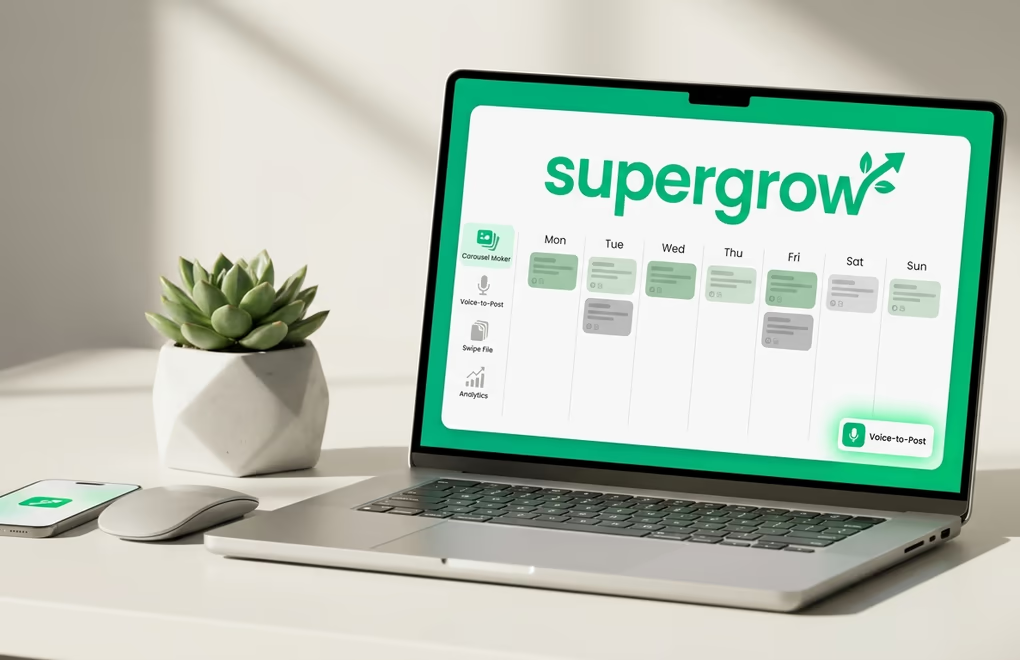
Supergrow is the cleanest all-in-one alternative to Taplio at a lower price. The Starter plan ($19/mo) includes AI content generation, scheduling, and a Swipe File for content inspiration. Voice-to-Post lets you dictate ideas and get polished drafts back. Importantly, Supergrow avoids aggressive outreach automation (auto-DMs, mass connections) that can trigger LinkedIn account restrictions. The downside: single bundled AI model with no BYOK, and the carousel maker is locked behind the $39 Pro plan. See LinkedGrow vs Supergrow.
5. Buffer: Best for multi-platform scheduling
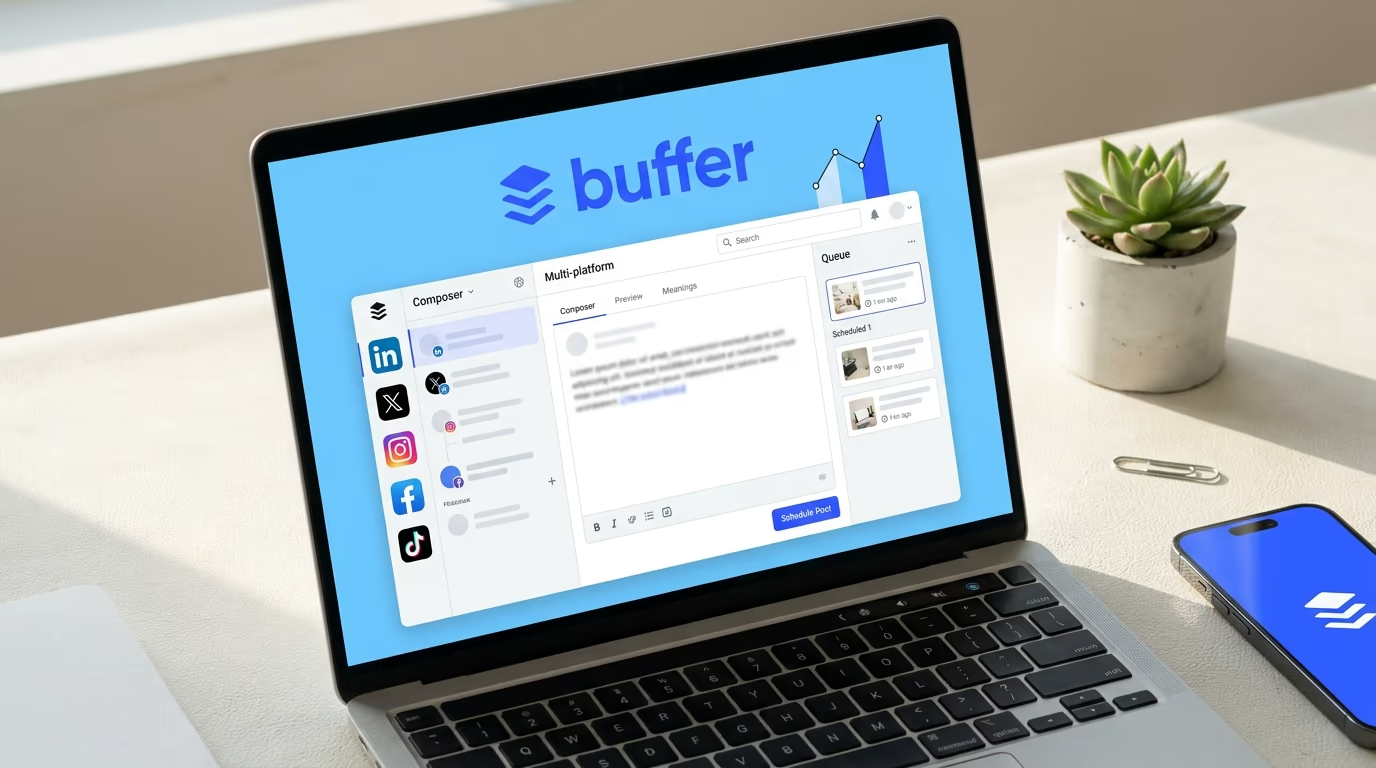
Buffer supports LinkedIn alongside Instagram, X, Facebook, TikTok, Pinterest, and YouTube from a single dashboard. The scheduling automation is reliable and the interface is clean, but LinkedIn is treated as one of many channels - you will not find hook generators, voice training, or algorithm optimization. Free for 3 channels (10 posts each), Essentials at $20/mo for unlimited posts and basic AI, Team at $40/mo for approval workflows. See LinkedGrow vs Buffer.
6. Hootsuite: Best for enterprise teams

Hootsuite is the enterprise-grade option: team workflows, approval chains, role-based permissions, social listening, and reporting across every major social network. Professional at $99/mo for 1 user and 10 accounts, Team at $249/mo for 3 users. Overkill for solo creators and small teams, but justified for agencies coordinating 5+ team members across 10+ social profiles. LinkedIn-specific features are basic compared to dedicated tools. See LinkedGrow vs Hootsuite.
Tools 7 through 12: Niche picks worth knowing
The remaining 6 tools each serve a specific audience well, but rank lower on overall value for general LinkedIn creators.
7. EasyGen - Cheapest entry point ($9/mo)
Chrome extension that generates posts from proven LinkedIn templates (story, listicle, how-to) in seconds. The cheapest LinkedIn AI tool at $9/mo, but ships no scheduling, no calendar, and no analytics. Best for non-writers who want structured drafts to edit. LinkedGrow vs EasyGen.
8. MagicPost - Template-driven beginners ($39/mo)
Pick a template (case study, hot take, tutorial), fill the slots, generate. Friendly UI and decent carousel maker for beginners, but $39/mo for fewer features than Supergrow Pro at the same price. No BYOK. LinkedGrow vs MagicPost.
9. ContentIn - Daily posting cadence ($29/mo)
LinkedIn-only tool with a strong idea bank and swipe file for daily posting. The workflow is open app, pick idea, edit, schedule. Pro at $29/mo, Premium at $39/mo. No BYOK, no voice training. LinkedGrow vs ContentIn.
10. RedactAI - French-speaking creators ($19/mo)
French-built LinkedIn AI tool with native multi-language support. If your audience speaks French and you want output that reads like native French rather than translated English, RedactAI is purpose-built for that. From $19/mo. LinkedGrow vs RedactAI.
11. Kleo - Ghostwriters and agencies ($29/mo)
Built for managing 5+ client LinkedIn accounts with per-client voice cloning and approval queues. Voice cloning quality is second only to LinkedGrow. Pricing scales with seats and client count. LinkedGrow vs Kleo.
12. Typefully - Cross-posting X + LinkedIn ($12.50/mo)
Minimal, distraction-free composer for X, LinkedIn, Threads, and Bluesky. AI assist is basic (rewrite, expand, generate) and LinkedIn is not the primary focus. Great for X-first creators who also post on LinkedIn. Pro from $12.50/mo yearly. LinkedGrow vs Typefully.
Cheapest LinkedIn automation tools ranked by total cost
If budget is the deciding factor, here is how these tools stack up on actual monthly cost. "Automation" on LinkedIn covers 2 categories: content automation (AI writing, scheduling, publishing) and outreach automation (auto-DMs, connection requests, profile scraping). Content automation is safe and uses your own account. Outreach automation carries account-restriction risk because it often violates LinkedIn's Terms of Service. For a dedicated breakdown, see the full LinkedIn automation tools comparison.
| Tool | Subscription | AI cost | Total/mo | What you get |
|---|---|---|---|---|
| EasyGen | $9 | Bundled | $9 | AI generation only, no scheduling |
| Typefully | $12.50 | Bundled | $12.50 | Cross-platform scheduling, basic AI |
| LinkedGrow | $59 | $2-$4 | $61-$63 | AI generation, voice training, scheduling, calendar, hooks, images |
| AuthoredUp | $19.95 | None | $19.95 | Formatting, analytics (no AI, no scheduling) |
| Supergrow | $19 | Bundled | $19 | AI generation, scheduling, swipe file |
| Buffer | $20 | Bundled | $20 | Multi-platform scheduling, basic AI |
| Taplio | $52 | Bundled | $52 | AI generation, hooks library (outreach from $149) |
LinkedGrow is the one that ships both halves of the job, the writing and the finding. EasyGen and Typefully are cheaper on the sticker price, but you lose scheduling, voice training, or LinkedIn-specific depth. With BYOK pricing, LinkedGrow's AI costs are transparent and stay at $2 to $4/mo for typical use because you pay providers directly at wholesale rates with zero markup. Try the AI cost calculator to estimate your own usage.
How to choose the right tool for your workflow

- Solopreneurs and creators: LinkedGrow keeps total cost under $65/mo with BYOK, voice training, scheduling, and a content calendar. Supergrow is a solid runner-up if you prefer simpler bundled pricing.
- Coaches and consultants: Content-led leads (people find you) - LinkedGrow. Outbound leads (you DM them) - Taplio Pro at $149/mo for the lead database.
- Writers who skip AI generation: AuthoredUp for the best in-LinkedIn formatting and analytics experience at $19.95/mo flat.
- Agencies and ghostwriters: Kleo for per-client voice cloning and approval queues. LinkedGrow Business ($89/mo) if you also need BYOK and image generation per client.
- Multi-platform managers: Buffer if LinkedIn is 1 of 5+ channels. Typefully if your primary combo is X plus LinkedIn.
Why BYOK pricing keeps your LinkedIn automation costs low
Most LinkedIn AI tools bundle AI access into the subscription and mark it up. You pay $52 to $149/mo, and inside that price is roughly $2 to $5 worth of actual API calls. The rest is margin. BYOK (Bring Your Own Key) removes that markup: you connect your own API key from OpenAI, Anthropic, Google, or other providers and pay them directly at wholesale rates. Typical cost for regular LinkedIn posting is $0.02 to $0.05 per post, which adds up to $2 to $4/mo even for heavy users. For exact numbers, see the AI API cost comparison across LinkedIn tools.
BYOK also gives you model freedom. LinkedGrow supports 26+ models from 6 providers, so when a new Claude, Gemini, or GPT model launches, you switch the same day instead of waiting for the vendor. Bundled tools lock you into whatever model they integrated months ago. Model freedom extends past the hosted providers too, and zPlatform's ranking of 300 Hugging Face models on download and license data is a quick way to see which open weights teams actually run. Getting an API key takes 2 minutes: sign up with a provider, create the key, paste it into LinkedGrow. Read the full BYOK explainer or check how to train AI to write in your voice.
The bottom line
If you are spending more than $50/mo on a LinkedIn AI tool and mainly using it to write and schedule posts, you are overpaying. The AI models behind these tools are the same foundational models from OpenAI, Anthropic, and Google - the difference is how much markup sits between you and them. For content writing, voice-matched generation, and scheduling automation, try LinkedGrow's 7-day Pro trial (everything included). For outbound lead generation through DMs, look at Taplio. For pure writing craft inside LinkedIn, try AuthoredUp. Give whichever you pick 2 weeks with your real content before committing.
Frequently Asked Questions
LinkedGrow is the best LinkedIn AI tool in 2026 for most creators thanks to its BYOK model across 43 AI models, voice training, and total monthly cost of $61 to $93 all-in. Taplio is the strongest pick if you need outreach automation plus a viral hooks library. AuthoredUp is best for writers who format posts manually and want deep per-post analytics.
The best LinkedIn AI writing tool depends on what you write. LinkedGrow wins on writing quality because voice training plus 26+ model choice means every post sounds like you and uses the model best suited to the topic. Supergrow is a strong runner-up with bundled AI and Voice-to-Post. AuthoredUp is the pick if you write your own drafts and just need a better in-LinkedIn editor.
BYOK stands for Bring Your Own Key. Instead of paying a tool vendor for bundled AI access at marked-up prices, you connect your own API key from OpenAI, Anthropic, Google, or other providers. You pay the AI provider directly at wholesale rates - typically $2 to $4 per month for regular LinkedIn posting - and you get model freedom (switch to the latest model the day it launches).
EasyGen at $9/mo is the cheapest LinkedIn AI tool, though it only covers generation with no scheduling or analytics. LinkedGrow Pro at $59/mo plus $2 to $4/mo of your own key covers AI generation, voice training, scheduling, a content calendar and two agents that find your leads. Typefully at $12.50/mo is the cheapest cross-platform option covering both X and LinkedIn.
For content automation (writing, scheduling, publishing), LinkedGrow at $59/mo is the all-in-one option with AI generation, scheduling, and direct publishing to personal profiles and company pages. For outreach automation (connection requests, DMs), tools like Dux-Soup start around $15/mo, but outreach automation carries higher account-restriction risk than content automation. The safest and cheapest path is automating content creation and scheduling while keeping outreach manual.
With bundled-AI tools like Taplio, you pay $52 to $149 per month and the AI access is included but capped. With a BYOK tool like LinkedGrow, you pay the tool subscription ($59 to $89/mo) plus roughly $2 to $4 per month in direct API costs to OpenAI, Anthropic, or whichever provider you choose. Total monthly cost stays at $61 to $93 all-in for typical use.
Taplio is worth the price if you need lead generation features like their 3 million contact database and automated DMs. For pure content creation, the $52/mo Standard plan is expensive compared to BYOK alternatives that ship the same AI capability for under $20 total. The Starter plan at $39 ships with zero AI credits, which is hard to justify.
LinkedGrow and Supergrow both ship voice training. LinkedGrow's implementation is more mature - you paste 3 to 5 past posts, the AI builds a style profile from sentence structure, vocabulary, and tone, and every future generation matches it. Most other LinkedIn AI tools (Taplio, MagicPost, EasyGen) rely on a single generic style instead.
Content automation tools (AI writing, scheduling, direct publishing via the agent working your own account) are safe because they use LinkedIn's approved integration methods. Outreach automation tools (auto-DMs, mass connection requests, profile scraping) carry real risk because they often violate LinkedIn's Terms of Service and can trigger account restrictions or bans. The distinction matters when picking a tool: content-side automation from tools like LinkedGrow, Buffer, or Hootsuite operates within LinkedIn's rules, while aggressive outreach automation does not.
Free tools like basic ChatGPT or LinkedIn's own AI features work for occasional posts. But they lack scheduling, analytics, voice training, and LinkedIn-specific formatting. If you post more than once a week, a dedicated tool pays for itself in time savings alone. For free starting points: LinkedGrow has a free single-post generator at /free-linkedin-post-generator-ai and a 7-day Pro trial.
The post you keep meaning to write takes four minutes here.
LinkedGrow turns a link, a video or a rough idea into a LinkedIn post written in your own voice, then puts it in the calendar for the morning your audience is awake.
Start free for 7 days